
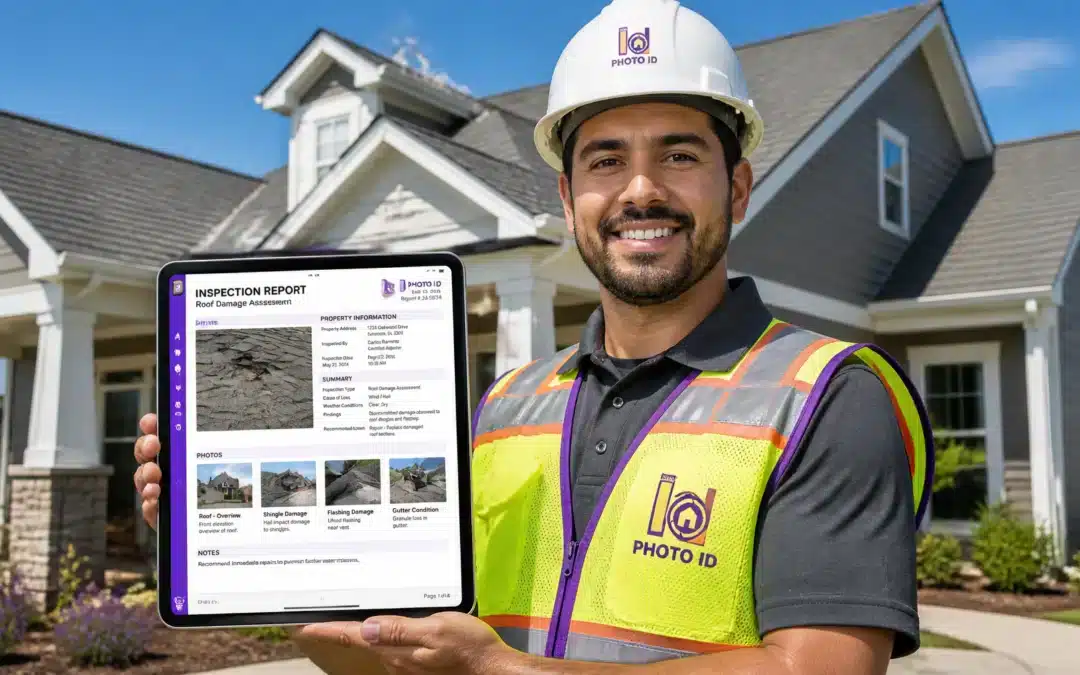

Are you still spending your evenings hunched over a laptop, squinting at a blurry folder of "IMG_492.jpg" and "IMG_493.jpg," trying to remember if that water stain was in the master bedroom or the hallway?
Let’s be honest: manual documentation is a profit killer.
In the high-stakes world of insurance claims and property restoration, your photos aren't just pictures: they are your evidence. If your evidence is disorganized, unlabeled, or missing context, the insurance carrier isn't going to pay you. They’re going to send it back for "clarification," and you’re going to spend another three weeks chasing a check that should have been in your bank account yesterday.
If you want to stop the "back-and-forth" and start getting paid at record speeds, you need a workflow that produces audit-ready reports before you even leave the jobsite.
Here is your 5-step guide to mastering insurance inspection software and reclaiming your time.
Step 1: Capture and Label in Real-Time (No More Post-Game Guessing)
The biggest mistake field pros make is the "I'll do it later" trap. You take 50 photos on your phone's native camera app and promise yourself you’ll label them back at the office.
Spoiler alert: You won’t remember the details.
An audit-ready report requires precise labeling. With a dedicated photo labeling app, you should be labeling as you capture.
- The Pro Move: Use hands-free voice labeling. Instead of typing with gloves on in a cramped attic, just say, "Master bedroom, ceiling, three-foot water spot."
When the photo is instantly stamped with the location, category, and description, you eliminate the "human error" that leads to rejected claims.

Step 2: Leverage AI-Powered Verification
Carriers and adjusters are looking for reasons to doubt a claim. Don’t give them any.
Modern property inspection apps use AI to help you verify damage in the field. Whether it’s measuring a roof pitch or identifying hail impact, having an AI "second pair of eyes" ensures that your photos meet industry standards.
When your report includes AI-backed data like in-camera pitch factor calculations, it sends a clear message: This report is accurate, professional, and non-negotiable.
Step 3: Standardize the Chaos with Workflow Templates
Every job is different, but every inspection should follow a pattern. If you’re just "winging it" on every site, you’re going to miss a crucial shot: like the electrical panel or the pre-existing damage on the side wall.
Audit-ready documentation relies on standardization. Use customizable workflow templates that guide you through the process.
- General Site Photos (Exterior, addresses, street view)
- Room-by-Room Documentation (Ceilings, floors, walls)
- Detailed Damage Capture (Close-ups with scales)
- Completion Photos (The "After" shots)
By following a checklist, you ensure that every report looks identical in its professionalism, making it much easier for an adjuster to hit "Approve."

Step 4: Seamless Integration and Batch Exporting
The "Hidden Cost" of doing things the old way is the time spent transferring photos. If you have to download images from a cloud drive, rename them, and then upload them into Xactimate or a PDF builder, you are losing 2-3 hours per claim.
A professional property inspection app should do the heavy lifting for you. Look for software that offers:
- One-Tap PDF Generation: Create a branded, professional report in seconds.
- Xactimate Integration: Drag and drop your labeled photos directly into your estimate without re-typing a single word.
- Cloud Sync: Ensure your office team can see the photos the moment you snap them.
When your documentation is integrated with Guidewire or other industry tools, the friction disappears.

Step 5: Close the File with Secure, Timestamped Evidence
The final hurdle to getting paid is the "Audit." If a claim is questioned six months later, can you prove exactly when and where a photo was taken?
Audit-ready means your data is secure and immutable. Every photo should be:
- GPS Stamped: Proving you were actually at the property.
- Timestamped: Creating a digital paper trail of the inspection.
- Stored in the Cloud: Safe from lost phones or corrupted SD cards.
When you present a report that is transparent and verified, you aren't just asking to be paid: you’re providing the undeniable proof that makes non-payment impossible.
The Bottom Line: Speed = Revenue
In this industry, Professionalism is the currency.
If your reports look like a cluttered mess, you’ll be treated like an amateur. But when you use a tool like PHOTO iD by U Scope, you’re not just taking photos; you’re building a bulletproof case for your business.
Stop wasting time. Stop losing money on rejected documentation. Start generating audit-ready reports that get you paid faster.
Ready to see the difference? Check out our pricing and start your free trial today.
Can Real-Time Photo Syncing Really Help You Scale? Find Out How Our Field Service App Eliminates the "Silo" Problem

Ask yourself this: Where are your jobsite photos right now?
Are they on Bob’s personal iPhone? Are they buried in a WhatsApp thread from three Tuesdays ago? Or maybe they’re sitting in a Dropbox folder that no one has the password to?
If your field team is operating in "Silos": where data is trapped on individual devices: your company isn't just disorganized. It’s unscalable.
Scaling a field service business requires more than just hiring more boots on the ground. It requires a nervous system. You need a way for the left hand to know what the right hand is doing in real-time. If you want to grow from 5 crews to 50, you have to eliminate the "Silo" problem once and for all.
Here is why real-time photo syncing is the secret weapon for scaling your field service operations.
The "Silo" Problem: The Hidden Growth Killer
In the "old-school" workflow, information moves like a game of telephone.
- The technician takes photos.
- The technician goes home.
- The office manager calls the technician the next morning because a photo is missing.
- The technician realizes they deleted it.
- Profit goes down the drain.
This manual cycle creates a ceiling. You can only manage as many jobs as you can personally oversee. To break through, you need field service app technology that syncs data instantly to a central hub.
1. Instant Visibility (Managing from Anywhere)
When photos sync in real-time, the office doesn't have to wait for the crew to return. You can have a project manager in a different city reviewing "Before" photos while the tech is still on the ladder.
This instant visibility allows you to:
- Catch mistakes before the crew leaves the site (saving on "re-trip" costs).
- Provide real-time updates to customers, increasing satisfaction and referrals.
- Manage 10x the volume of jobs without increasing your office staff.
2. Eliminating the "Admin Tax"
How many hours a week does your team spend "organizing" photos?
Between downloading, renaming, and re-uploading, most contractors pay an "Admin Tax" of 5-10 hours per employee, per week.
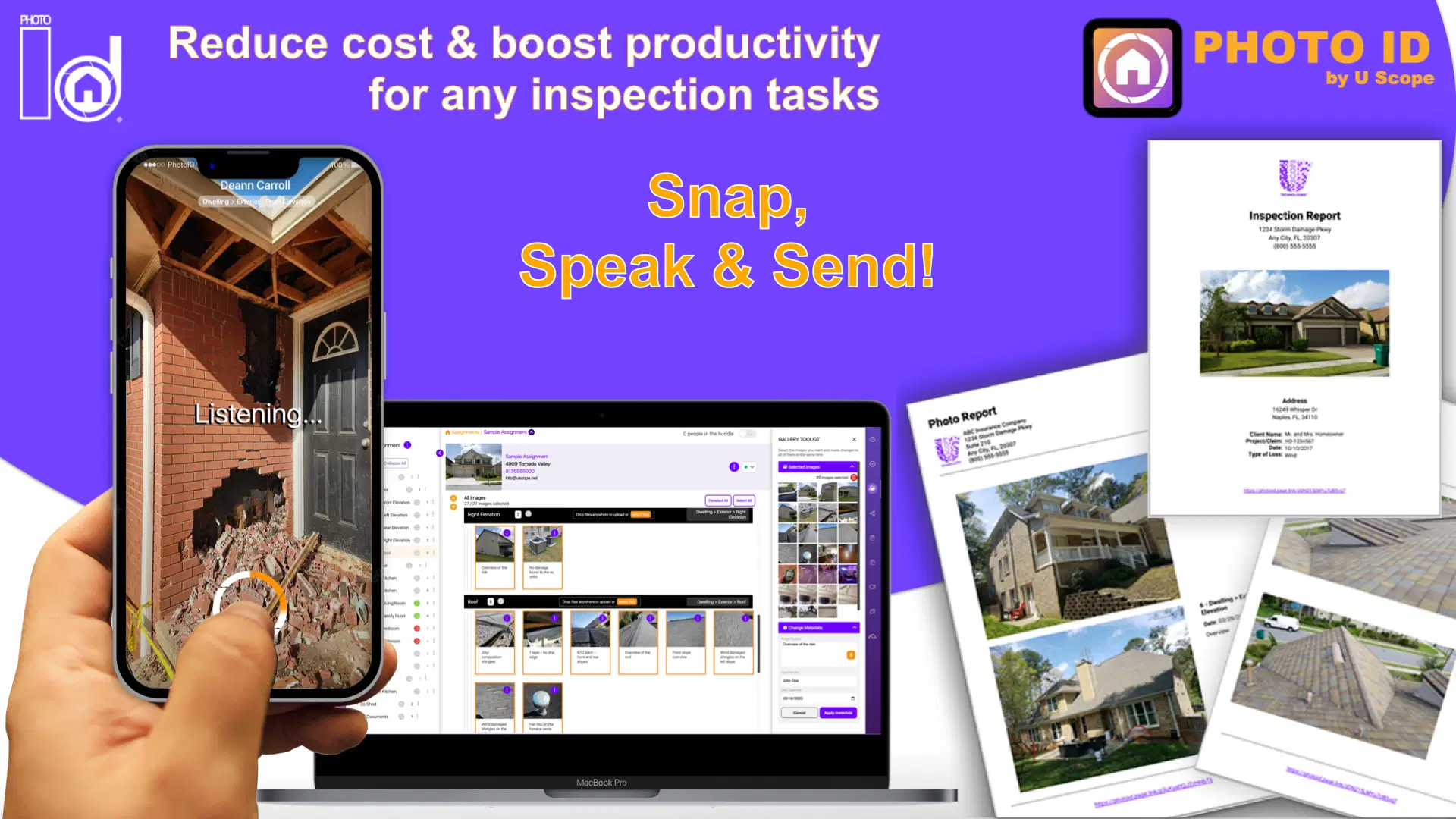
Scaling is about efficiency. Real-time syncing removes the need for manual organization. With PHOTO iD, the photos are automatically categorized and labeled as they are taken. When the tech hits "Done," the report is already finished.
The ROI is simple: If you save 5 hours of admin time per tech, and you have 10 techs, you’ve just gained 50 hours of productive capacity every single week. That is how you scale.
3. Better Team Collaboration
Field service is a team sport. Sometimes a junior tech hits a problem they haven't seen before.
Without real-time syncing, they have to describe the problem over the phone (frustrating) or wait for a senior lead to drive to the site (expensive).
With real-time sync, the senior lead can open the web app management portal, look at the live-uploaded photo, and give instructions immediately.

4. Professionalism that Wins Bigger Contracts
Big commercial clients, government agencies, and major insurance carriers don't want to work with "the guy with the camera roll." They want to work with enterprises.
Real-time syncing allows you to offer:
- Customer Portals: Show your clients progress in real-time.
- Standardized Quality: Every job looks consistent because the software enforces the workflow.
- Speed: You can deliver a final report minutes after the job is done, while your competitors are still "getting around to it."
Stop Managing. Start Scaling.
The difference between a "job" and a "business" is systems.
If your system relies on individuals remembering to upload photos, you have a job. If your system automatically captures, labels, and syncs every piece of evidence from the field to the cloud, you have a business ready to scale.
Don't let your data stay in a silo. Break it out, sync it up, and watch your revenue grow.
See how real-time syncing can transform your workflow. Start your free trial of PHOTO iD today.
