
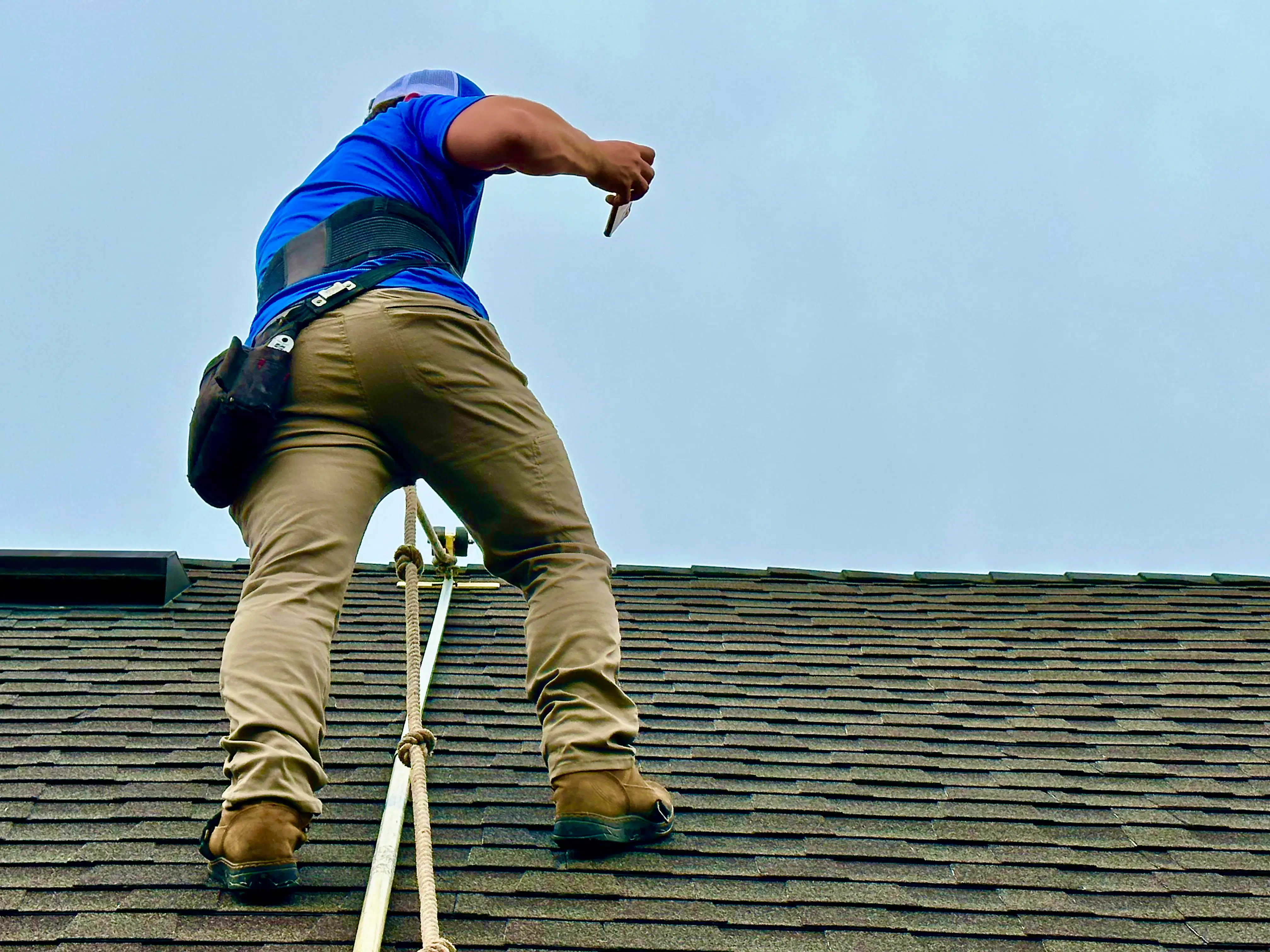
Does this sound familiar? You’ve spent eight hours crawling through crawlspaces, climbing ladders, or navigating a busy jobsite. You’ve taken 200 photos of everything from hail-damaged shingles to water-stained drywall. You’re exhausted, your boots are caked in mud, and all you want to do is grab dinner and hit the couch.
But you can’t. Because you have a "Second Shift" waiting for you.
You know exactly what I’m talking about. It’s that grueling 2-hour block at the end of the night where you have to upload photos from your phone, try to remember which "close-up of a crack" belonged to which room, and manually type out labels like "Living Room – North Wall – Stress Crack" a hundred times over.
It’s the hidden tax on your time that keeps you away from your family and prevents you from scaling your business. What if I told you there’s a single, simple trick that could eliminate that second shift entirely?
The trick isn’t "working harder." It’s changing when and how you label. By shifting to a Voice-First Workflow, you can finish your documentation before you even step off the jobsite.
The Problem: The "Mystery Meat" Photo Crisis
Before we get into the solution, let’s look at the math of the "old school" way. When you take a photo with a standard camera app, that image is just a file name like IMG_4829.jpg. By the time you get home, that photo is one of fifty identical-looking shots.
- Was that the master bedroom or the guest suite?
- Was that rot under the sink or just a dark shadow?
- Why did I take this photo of a baseboard?
This confusion leads to "labeling fatigue." You start taking shortcuts. "Bedroom 1" becomes "B1." "Significant hail impact" becomes "Damage." Suddenly, your professional report looks like a text message from a teenager. Worse, if an adjuster or a client questions your findings three weeks later, you might not have the clear documentation to back up your claim.
According to industry data, field pros lose an average of 30-60 minutes per task just on photo management. Multiply that by five jobs a week, and you’re losing a full workday every month to administrative "sludge."
The Simple Trick: Hands-Free Voice Labeling
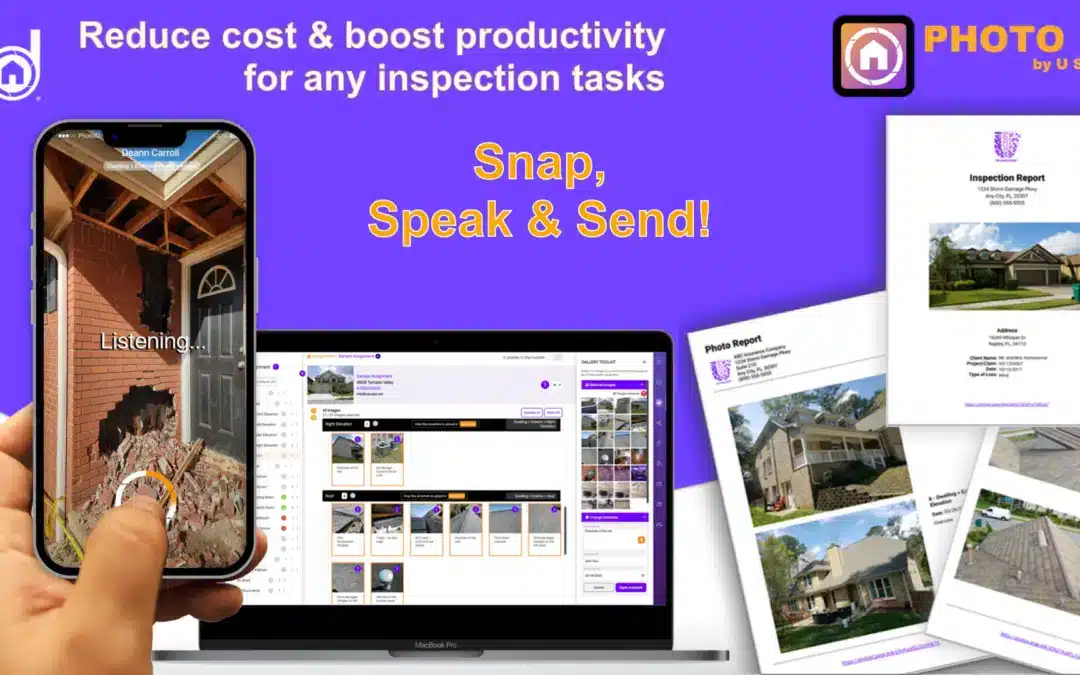
The secret to a 10x faster workflow is a feature we built directly into the PHOTO iD app: Hands-Free Voice Labeling.
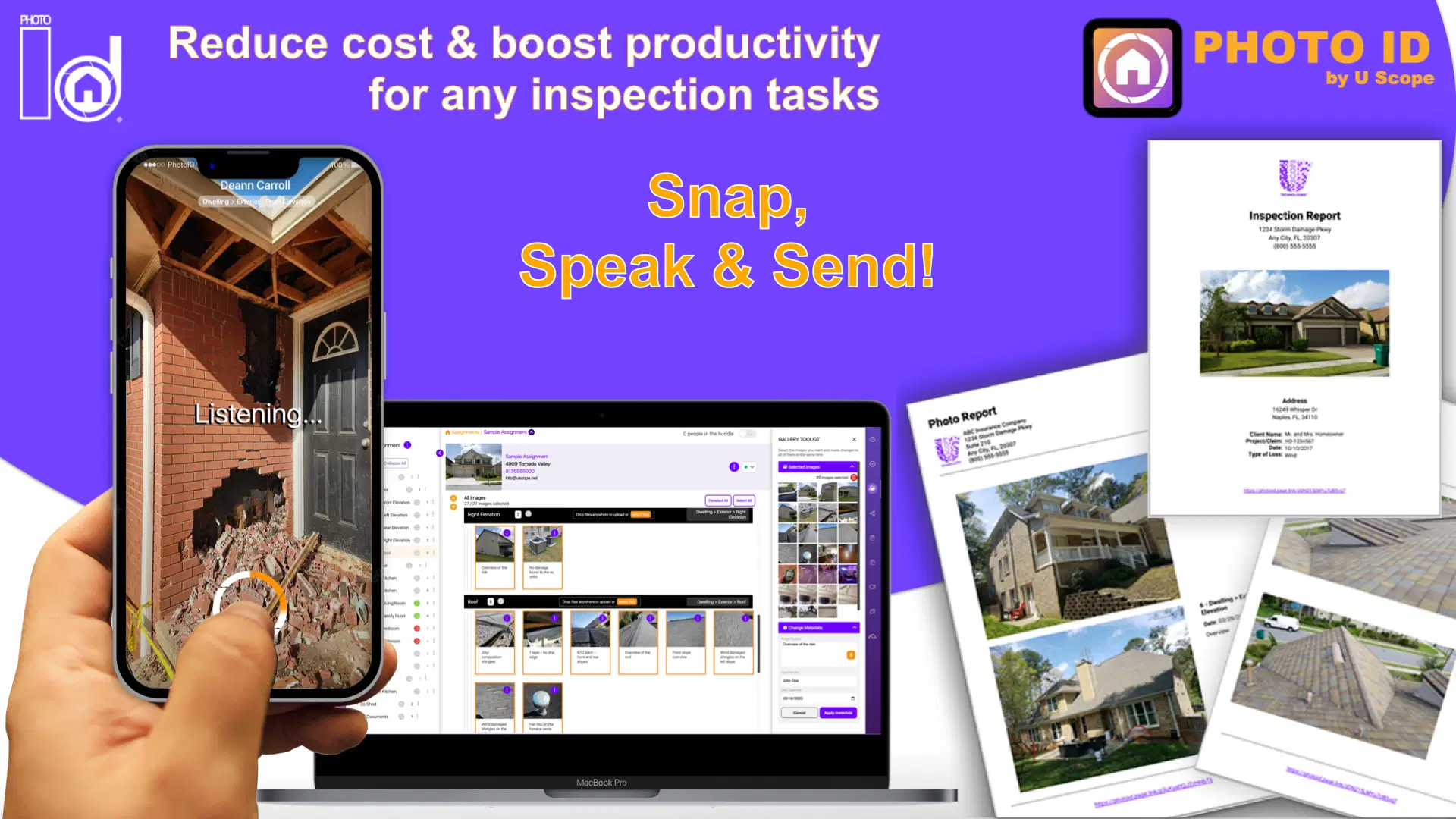
Instead of snapping a photo and putting your phone back in your pocket, you simply speak the label as you capture the image.
How it works in 3 seconds:
- Open the PHOTO iD Camera: Use our specialized property inspection camera.
- Point and Speak: As you tap the shutter, say: "Water damage on ceiling, approximately 4 square feet."
- Done: The app uses high-accuracy AI to transcribe your voice into a text label that is permanently attached to that specific photo.
Why is this a game-changer? Because you are documenting in real-time. You don’t have to remember anything later. The context is captured while you’re looking at the defect. This is the difference between a "jobsite photo app" and a true professional documentation tool.
Why "Wait Until Later" is Costing You Money
If you’re still thinking, "I’ll just type it out later, I’m faster at typing," let’s look at the ROI of your time.
When you use voice labeling, your documentation is 90% complete the moment you leave the property. You can generate a professional PDF report while sitting in your truck before you even start the engine.
Compare the two scenarios:
- The Manual Way: 8 hours on-site + 2 hours of evening labeling = 10 hours total.
- The PHOTO iD Way: 8 hours on-site (with integrated voice labeling) + 5 minutes to tap "Generate Report" = 8 hours and 5 minutes total.
You just gave yourself two hours of your life back. What could you do with an extra 10 hours a week? You could bid on two more jobs. You could spend time with your kids. You could actually sleep.
The Secret Sauce: Combining Voice with Custom Templates
Voice labeling is powerful, but when you pair it with Customizable Workflow Templates, it becomes a superpower.
Think of a template as a digital checklist that tells you exactly what photos you need to take. If you’re a roofing contractor, your template might prompt you for:
- Front Slope
- Back Slope
- Left Slope
- Right Slope
- Drip Edge Detail
- Flashing Detail
As the app prompts you for the "Front Slope," you take the photo and speak: "Minor granule loss noted near the ridge." The app automatically categorizes that photo under "Roofing -> Front Slope" with your specific caption.
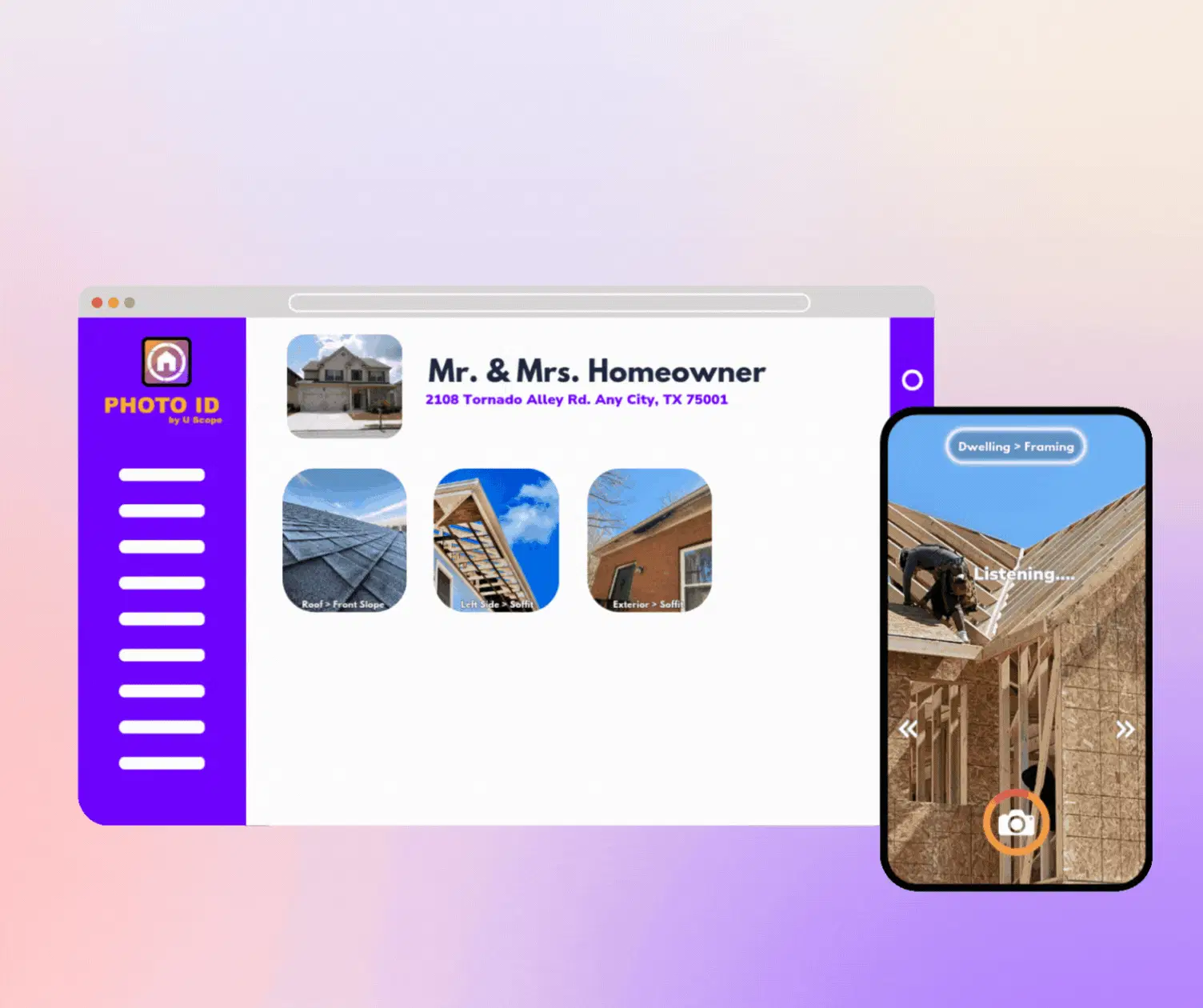
This level of organization is what separates the "guys with trucks" from the "enterprise-level pros." When an insurance adjuster receives a report from you that is perfectly categorized, labeled, and timestamped, they don’t argue with your estimate. They pay it.
3 Pro-Tips for Perfect Voice Labeling
To get the most out of this "simple trick," follow these three field-tested rules:
1. Be Specific (The "Adjuster Rule")
Don't just say "Damage." Say "3-inch diameter hail impact on southern metal flashing." The more specific your voice label, the less likely you are to face a supplement or a denial. Remember, your photos are your evidence. Treat them like you’re preparing for a court case.
2. Use the "Room-to-Room" Flow
Before you start your inspection, use the pre-tagging feature to select the room you’re in. If you select "Kitchen," every photo you take and every voice label you speak will stay in the Kitchen folder. This eliminates the need to "rearrange" images later.
3. Don't Worry About Background Noise
We know jobsites are loud. Whether it's a generator humming or a crew hammering on the roof, PHOTO iD’s AI is designed to filter out ambient noise and focus on your voice. You don't need a fancy microphone; the one on your smartphone is more than enough.
The Professional Standard: It’s Not Optional Anymore
In today’s market, "good enough" documentation isn’t enough. Whether you are in disaster restoration, solar installation, or insurance adjusting, the speed of your information determines the speed of your payment.
Using a manual workflow is like using a flip phone in a 5G world. It works, but it’s holding you back. By implementing the simple trick of Voice Labeling, you aren’t just saving time. You’re creating cleaner evidence, faster closeouts, and a more scalable operation.
That matters because the real problem isn’t just labeling photos. It’s the constant back-and-forth between doing the work and documenting the work. Snap a photo. Stop. Type. Reposition. Repeat. By the end of the day, that inefficient dance adds up to lost time, slower reports, and more chances for mistakes.
A voice-first workflow breaks that cycle. You capture the image, say what it is, and move on. Your documentation keeps pace with the job instead of slowing it down.

Ready to Stop the "Second Shift"?
You didn’t get into this business to spend your nights staring at a computer screen, dragging and dropping files. You got into it to build, to help people, and to make money.
The tools you use should support that mission, not get in the way.
Stop wasting time. Start winning more work.
If you’re ready to see how much time you can save, check out our pricing plans and join the 100,000+ pros who have already ditched the manual grind for a smarter, faster workflow.
Key Takeaways:
- The Problem: Manual photo labeling creates a "Second Shift" of admin work.
- The Trick: Use Hands-Free Voice Labeling to document in real-time.
- The Math: You save 30-60 minutes per task, reclaiming hours of your week.
- The Result: Faster reports, fewer denials, and a better professional reputation.
Don't let your documentation be the bottleneck in your business. Grab your phone, open PHOTO iD, and let your voice do the heavy lifting.