

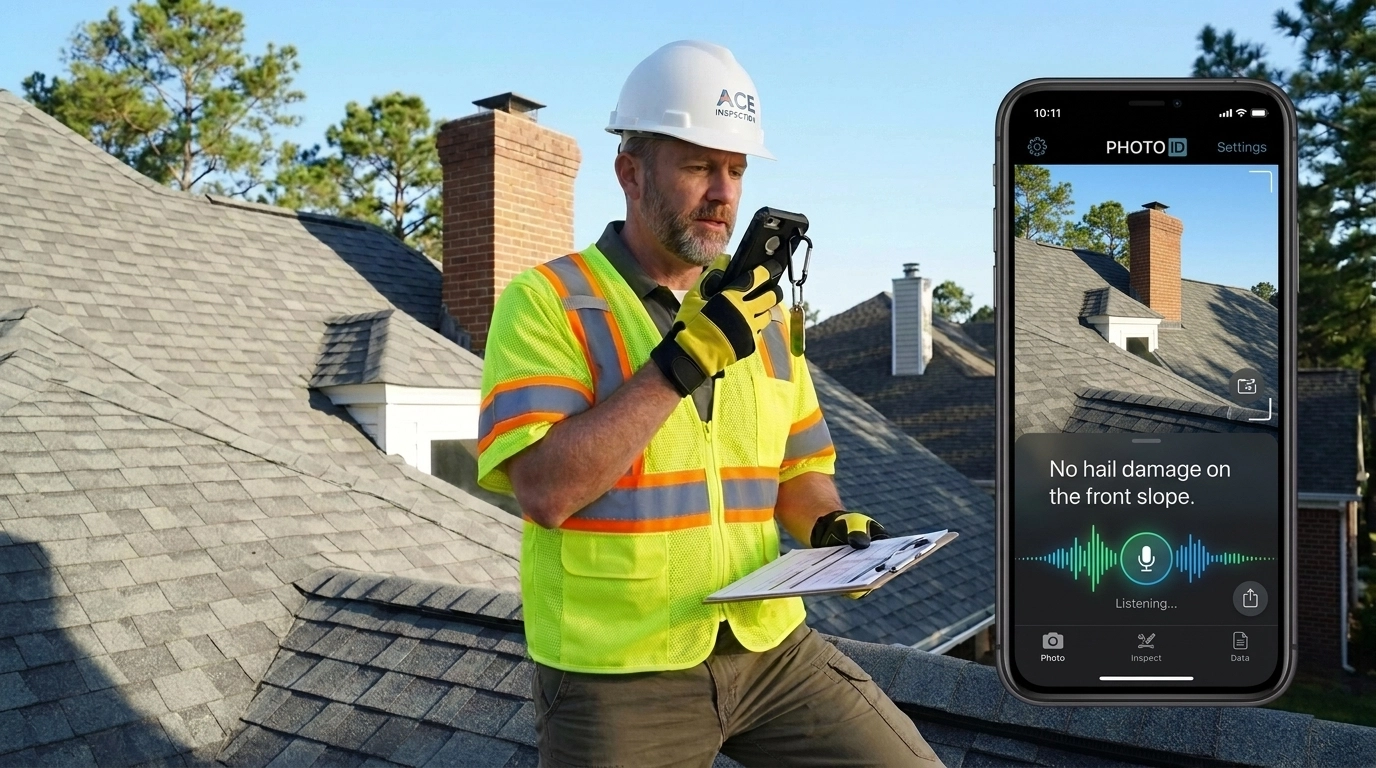
How many hours did you spend last night staring at your smartphone gallery, trying to remember if a specific photo of a cracked shingle belonged to the Smith property or the Jones property?
If you’re a field professional: whether an adjuster, contractor, or restoration expert: you know the "Second Shift" all too well. It’s that grueling hour (or three) spent at your desk after a long day on-site, manually renaming files, dragging images into folders, and squinting at blurry thumbnails.
Manual photo labeling isn't just a headache; it’s a profit-killer.
When your hands are covered in drywall dust, gripping a ladder in 20-degree weather, or holding a 35-foot tape measure, the last thing you want to do is peck at a tiny digital keyboard. But if you don't label your photos instantly, you're essentially losing money through inefficiency and potential liability.
What if you could document an entire job site without ever touching your screen to type?
At PHOTO iD by U Scope, we’ve perfected the art of hands-free documentation. Here are four simple tricks to master perfect photo labeling: no typing required.
Trick 1: Harness Voice-to-Text for Instant Descriptions
The single most powerful tool in your field kit isn't your camera: it's your voice.
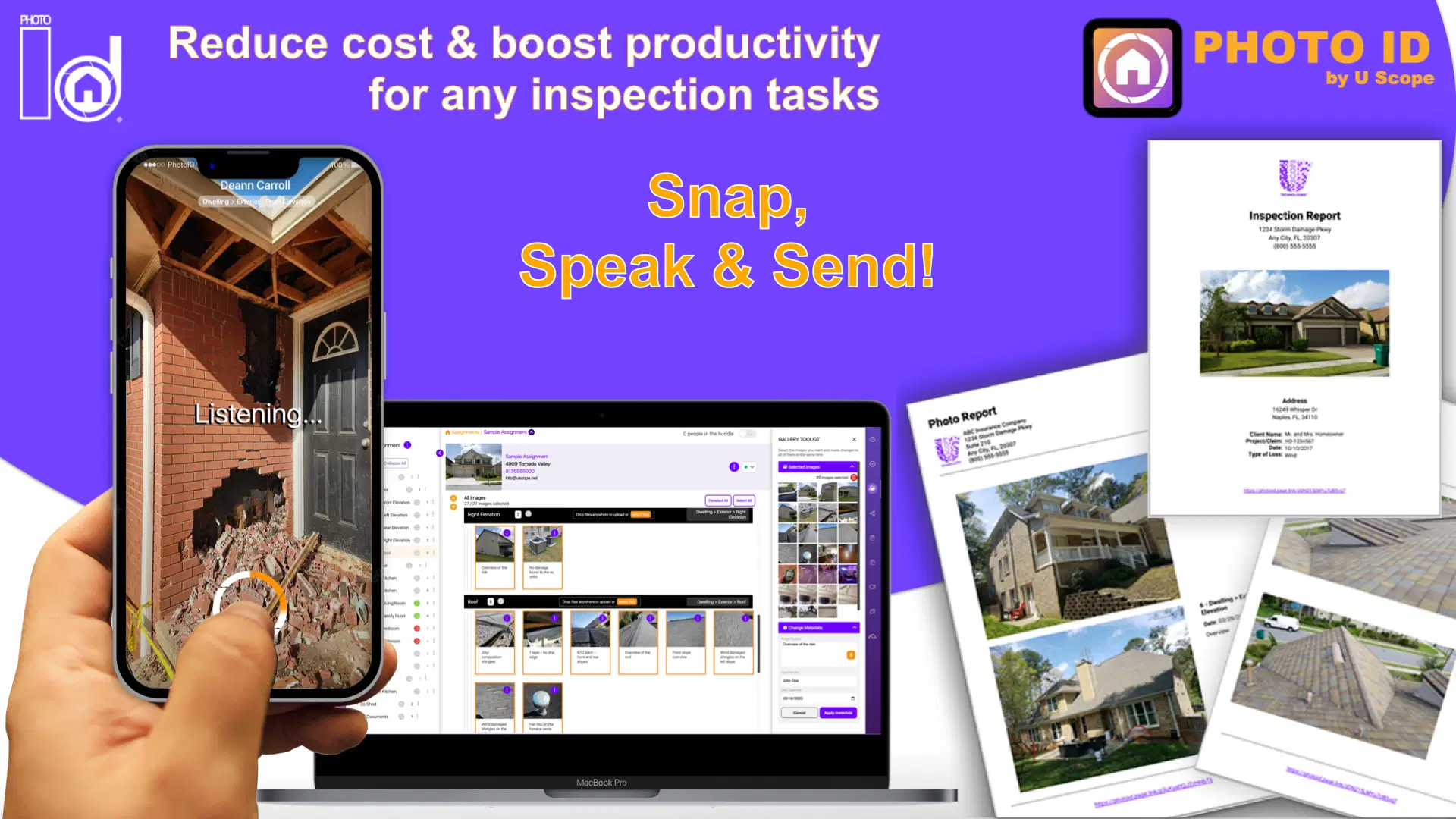
Traditional documentation requires you to snap a photo, open a text field, type a description, and save. Repeat that 50 times, and you’ve wasted 20 minutes per inspection. With PHOTO iD’s integrated voice labeling, you simply snap and speak.
Why this works:
- Context is captured in real-time: You won't forget the specific details of a hairline crack or a water stain three hours later.
- Safety first: You can keep your eyes on your surroundings and your hands on your safety gear while the app does the "writing" for you.
- Standardization: Use specific keywords that your office team or insurance adjusters expect to see, ensuring your professional photo reports are consistent every single time.
The ROI: Recent data suggests that voice-controlled systems can lead to a 50% reduction in labor per inspection. That’s not just "convenient": that’s an extra two jobs you could fit into your week.
Trick 2: Use Pre-Grouped Templates to Automate the "Where"
You shouldn't have to tell the app you're in the "Master Bedroom" twenty times.
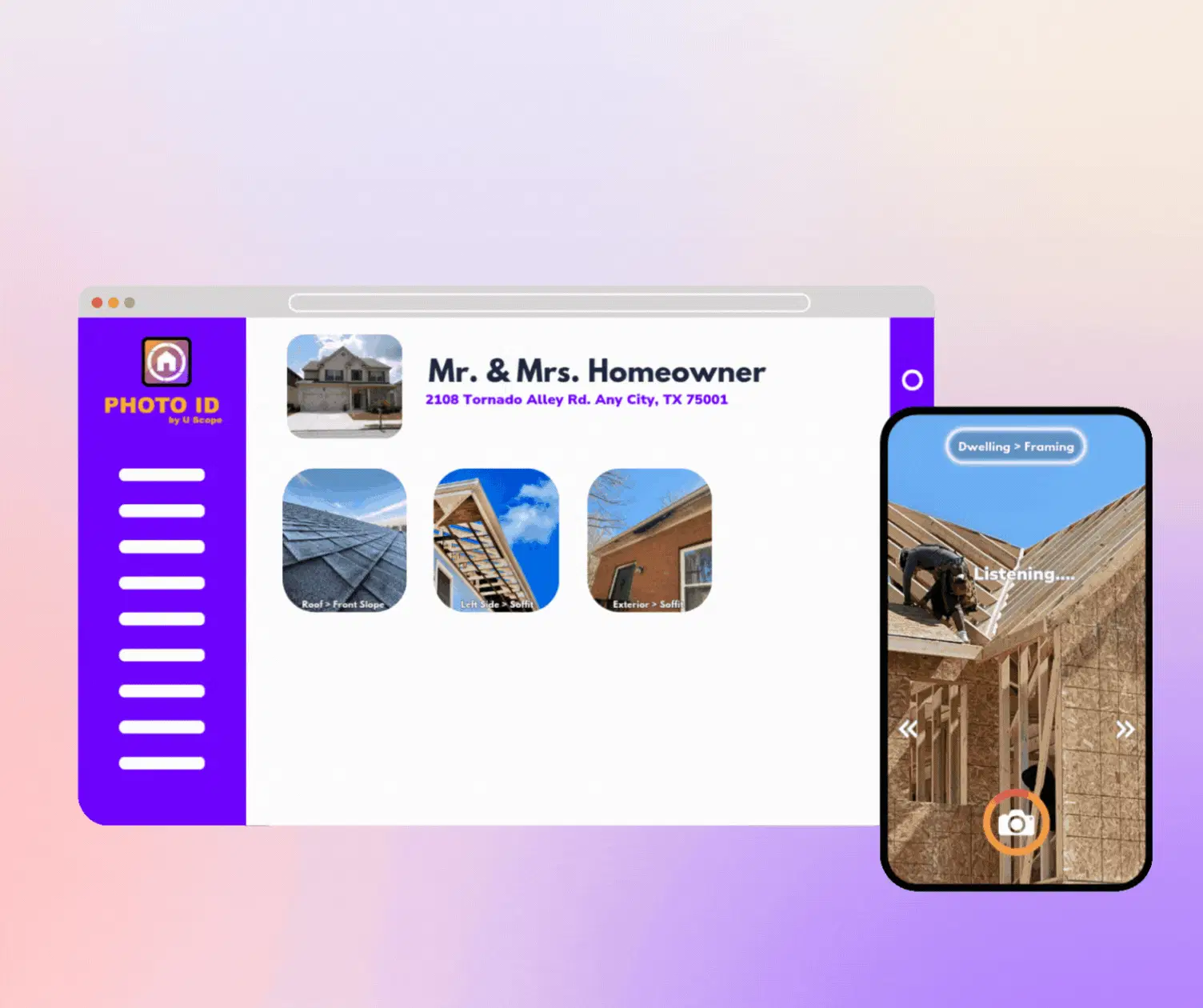
One of the best-kept secrets of efficient field pros is the use of Custom Workflow Templates. Before you even step foot out of your truck, you can select a template tailored to the job: be it a roof inspection, a water mitigation claim, or a solar site survey.
How to execute this:
- Select your template: Choose a structure (e.g., Exterior > Roof > Front Slope).
- The app follows you: As you move through the site, the app automatically categorizes every photo you take into the correct folder.
- Smart Labeling: Because the app already knows you’re looking at "Roof Damage," your voice labels are automatically appended to the correct category.
By using pre-tagging and grouping, you eliminate the need to manually move photos into folders later. You aren't just taking pictures; you're building a structured database in real-time.
Trick 3: Implement Auto-Incrementing and Logic-Based Labels
If you are taking 10 photos of a single area: say, hail damage on a south slope: you don't want to say "Hail damage south slope" ten times.
Smart documentation tools allow for logic-based labeling. This means once you set a category or a primary label, the app can automatically number the sequence (e.g., "South Slope Damage 1," "South Slope Damage 2").
Why this is a game-changer:
- Speed: You keep the shutter clicking.
- Clarity: When an adjuster looks at your report, they see a logical progression of evidence rather than a disorganized "photo dump."
- Hands-Free Consistency: You set the context once, and the app maintains the "breadcrumb trail" of evidence for you.
Are you still using your default smartphone gallery for this? If so, you're likely dealing with a mess of "IMG_4829.jpg" files that mean nothing to your clients. Moving to a dedicated jobsite camera app solves this instantly.
Trick 4: The "Sync-as-you-Go" Strategy
The final trick to hands-free labeling isn't about what you do on-site: it's about what you don't do when you leave.
If your photos are sitting on your phone’s local storage, they aren't "labeled" for the rest of your team yet. You still have to upload them, right? That’s more manual work.
The Trick: Use a cloud-based platform that syncs in the background.
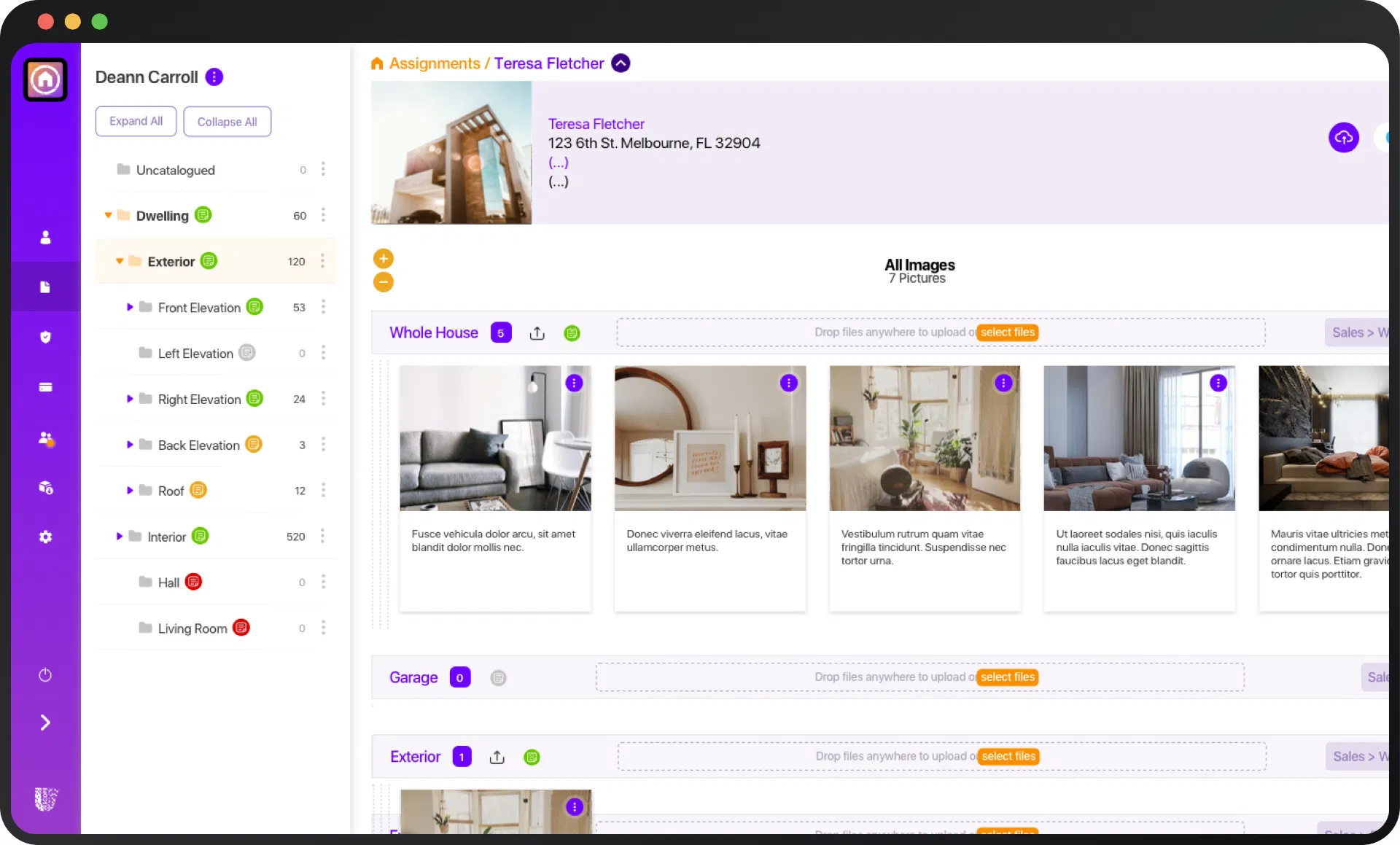
By the time you walk back to your truck, your voice-labeled, categorized, and timestamped photos should already be in the cloud-based management hub.
Stop and think about the math:
- Old Way: 15 minutes to take photos + 30 minutes to organize/upload = 45 minutes per site.
- The PHOTO iD Way: 15 minutes to take photos (with voice labeling) + 0 minutes to organize = 15 minutes per site.
You just bought back 30 minutes of your life for every single inspection you perform. For a busy team doing five inspections a day, that’s 2.5 hours saved daily. What would you do with an extra 12 hours a week? Grow your business? See your family? Actually get some sleep?
What the Pros Are Saying
Don’t just take our word for it. Industry experts who have switched to voice-to-text documentation rarely go back to the "dark ages" of manual typing.
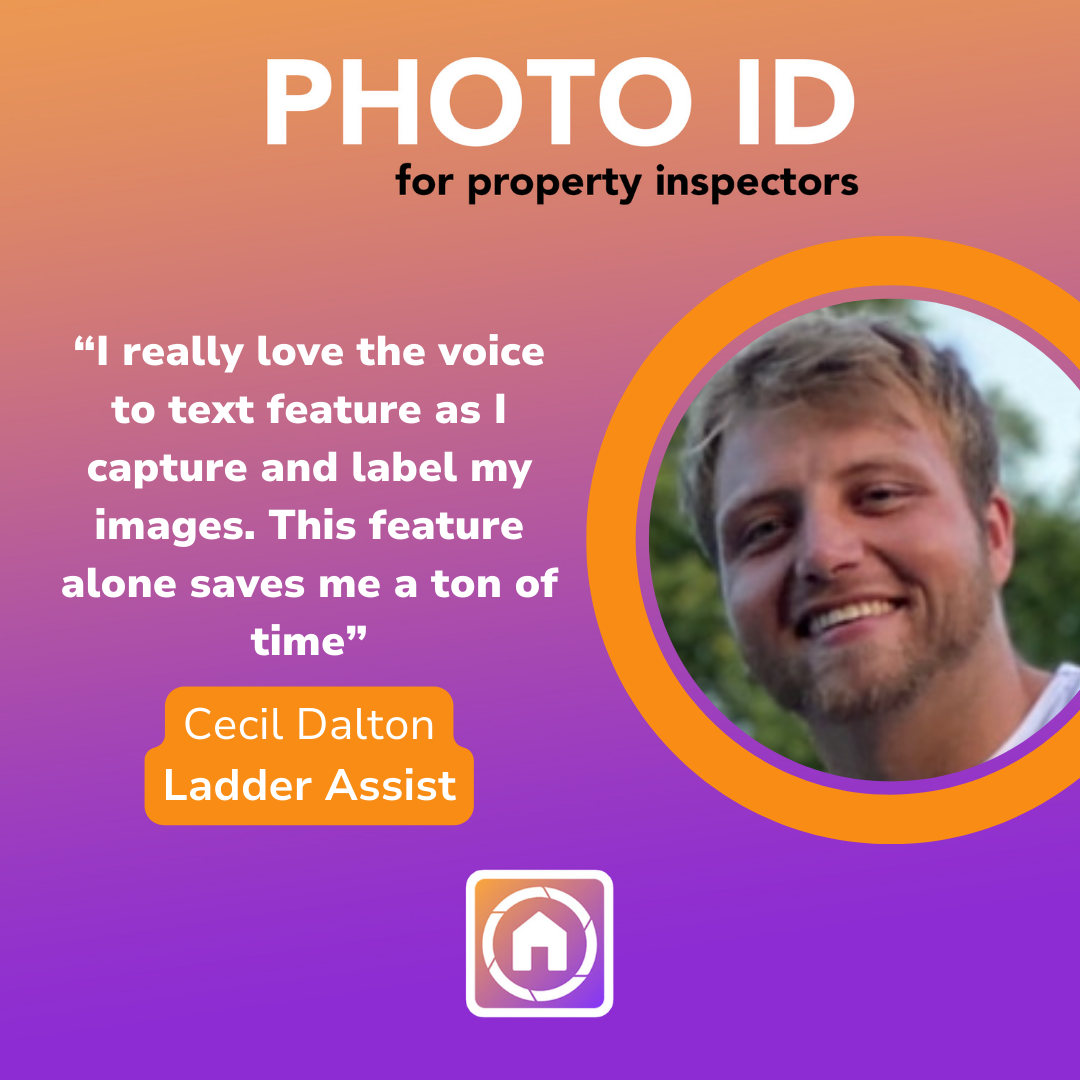
As Cecil Dalton, a professional ladder assist noted, "the voice-to-text feature isn't just a "nice-to-have": it's a fundamental shift in how inspections are handled. It’s about moving from a state of constant catch-up to a state of total control.
Stop Typing. Start Winning.
In today’s competitive market, the professional who provides the fastest, most detailed, and most organized report wins. If you're still fumbling with a keyboard on a job site, you're moving at 2010 speeds in a 2026 world.
Are you ready to stop losing money on unlabeled photos?
It's time to turn your smartphone into the ultimate field tool. Whether you need to export directly to Xactimate or simply want to stop the evening "second shift," PHOTO iD by U Scope is the solution.
Stop wasting time and start protecting your profits.
👉 Try PHOTO iD for Free Today and see how 60 seconds of speaking can save you 60 minutes of work.