
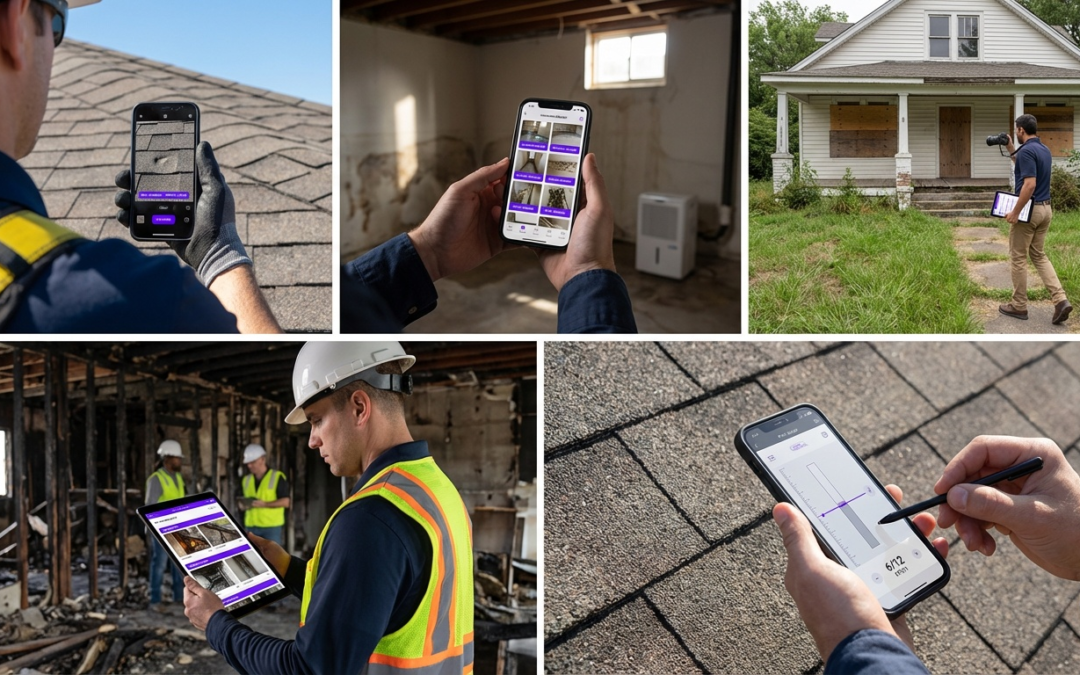
speech to text photo app
What Is a Speech to Text Photo App and Why Field Pros Need One
A speech to text photo app captures images and converts spoken or on-screen text into structured, labeled documentation automatically. For inspectors and field teams, this eliminates manual note-taking and organizes evidence in real time, directly on site.
Core Functionality Explained
These apps combine photo capture with voice input or optical character recognition to label, sort, and export images without desk work. The result: a complete, organized photo record built during the inspection–not hours later when context starts to blur.
Common Pain Points in Jobsite Documentation
Manual documentation breaks down in the field. Inspectors juggle cameras, notepads, and memory, then spend evenings matching photos to notes. Mislabeled images delay claims. Missing context forces adjusters to request clarification, stalling approvals and payment.
Why This Matters for Claims
Insurers need photos that tell a clear story: location, condition, and sequence. Unlabeled or disorganized images create doubt, and doubt creates delays. A speech to text photo app built for fieldwork solves this problem at the source.
Field-Specific Benefits Beyond General OCR Apps
Generic OCR tools extract text from documents. Field-ready apps like PHOTO iD by U Scope go further: GPS tagging pins every image to an exact location, voice labeling assigns context instantly, and custom workflows match your inspection structure. That specificity is the difference between a documentation tool and a productivity tool.
Top Features to Demand in Speech to Text Photo Apps for Inspections
Real-Time Text Extraction from Photos
Every second spent labeling after the fact is time a competitor can bill. Choose apps that apply labels at capture, not at a desk. Real-time processing means your photo record is complete before you leave the property.
Voice Labeling and Organization
Voice commands let you document hands-free while climbing, measuring, or photographing. Say the room name, damage type, or condition note–the app attaches it instantly. No typing. No mismatched files. No reconstruction from memory.
Built-In Field Tools Like a Pitch Gauge and GPS Tagging
Must-Have Features
- GPS tagging for precise location data on every image
- Pitch gauge for accurate roof-slope documentation
- Custom label workflows that match your inspection type
- Offline capture for sites without connectivity
Red Flags in Generic Apps
- No field-specific labeling templates
- Missing GPS or location metadata
- No export compatibility with claim platforms
- Requires an internet connection for all functions
How PHOTO iD Delivers Speech-to-Text Photo Capabilities On Site
Capture and Convert Text from Inspection Photos Instantly
PHOTO iD processes labels at the moment of capture. Every photo is saved with location, category, and your voice note attached. No batch processing. No manual sorting after the job.
Automate Workflows with Voice Commands and Custom Labels
- Open a custom inspection template in the app.
- Speak your label as you photograph each area.
- GPS coordinates attach automatically to each image.
- Photos sort into the correct report section in real time.
Export Reports Compatible with Xactimate and Integration Partners
Pre-cataloged, labeled images export to PDF or sync directly with Guidewire ClaimCenter, Salesforce, Jobber, and JobNimbus. Structured photo packages can also be imported into Xactimate, which supports faster, more accurate estimates without re-entering data.
PHOTO iD vs Other Photo Documentation Apps
Key Differences in Field Documentation Capabilities
General construction photo apps capture images. A true speech to text photo app built for inspections captures, labels, organizes, and exports structured evidence. That distinction often determines whether your report clears on the first submission or cycles through adjuster requests.
Generic platforms are missing the tools that matter in the field: no pitch gauge, no voice labeling tied to inspection templates, no GPS metadata embedded at capture. They push manual organization to after the job–which reintroduces the exact errors that delay claims and payments.
Why PHOTO iD Wins for Insurance Claims and Restoration
PHOTO iD by U Scope is built around how insurers review evidence. Every image leaves the site pre-labeled, GPS-tagged, and sorted into the correct report section. Adjusters receive a structured photo record that answers their questions before they ask them.
| Capability | Generic Photo Apps | PHOTO iD |
|---|---|---|
| Voice labeling at capture | No | Yes |
| GPS tagging per image | Limited | Automatic |
| Pitch gauge built in | No | Yes |
| Custom inspection templates | No | Yes |
| Export to ClaimCenter, Jobber, Salesforce | No | Yes |
| Xactimate-compatible structured exports | No | Yes |
Proven Time Savings for Contractors
Post-inspection desk work is where documentation time piles up. Sorting unlabeled photos, writing descriptions from memory, reformatting files for submission–that can burn hours per job. PHOTO iD closes that gap by completing the documentation record on site, while details are still fresh.
Contractors who switch to a dedicated speech to text photo app submit cleaner first reports, field fewer adjuster callbacks, and see faster payment cycles. The time you save on one job stacks across every inspection in your pipeline.
Streamline Your Field Workflow: Get Started with PHOTO iD Today
Step-by-Step Setup for Inspections
- Download PHOTO iD from the App Store or Google Play.
- Select or build a custom inspection template.
- Enable GPS tagging and voice labeling in settings.
- Capture, label, and export your first structured report on site.
Download and Start Your First Inspection
Visit photoidapp.net to review the full feature set, then download on your platform of choice. Your first structured, labeled inspection report is closer than you think.
Frequently Asked Questions
Are there free apps available that convert photos to text or use speech for documentation?
Many general apps offer basic photo-to-text (OCR) or speech-to-text features for free. For field inspections, however, you need specialized tools that integrate these functions with location data, custom templates, and direct reporting. Generic free options often lack the specific features field teams require for efficient, accurate documentation.
How do apps convert text from a photo?
Apps convert text from a photo using Optical Character Recognition (OCR) technology. This process identifies text within an image and transforms it into editable digital text. For field work, this means you can capture details from a label or sign directly into your documentation.
Can a speech to text photo app read text aloud from a picture?
While some general-purpose apps can use OCR to extract text and then a text-to-speech function to read it aloud, a speech to text photo app for field work focuses on a different workflow. Its primary purpose is to let you speak labels and context directly into the app as you capture photos, creating organized documentation in real time. This streamlines your on-site process, making sure every image tells a clear story.
Can AI tools like ChatGPT convert text from images?
Some AI tools, including certain versions of ChatGPT, can process images and extract text using their underlying OCR capabilities. While useful for general text extraction, these tools are not built for the specific demands of field documentation. For inspectors, a dedicated speech to text photo app provides integrated features like GPS tagging, voice labeling, and custom workflows essential for accurate reporting.
What makes a speech to text photo app better for field inspections than a standard photo app?
A dedicated speech to text photo app, like PHOTO iD, is designed specifically for field operations. It combines photo capture with voice labeling, GPS tagging, and custom inspection templates to organize evidence instantly. Standard photo apps lack these integrated tools, requiring extensive manual work back at the office to match photos with notes.
How does PHOTO iD help field teams with documentation?
PHOTO iD streamlines field documentation by allowing you to capture images and label them instantly using voice commands. It automatically adds GPS data and sorts photos into custom report sections. This means you generate professional, detailed photo reports, compatible with platforms like Xactimate and Guidewire, directly from the jobsite, reducing post-inspection desk work.
What are the main efficiency gains from using a speech to text photo app?
Using a speech to text photo app significantly cuts down on post-inspection desk work. You eliminate manual note-taking and the time spent matching photos to notes. Apps like PHOTO iD help you submit cleaner first reports, reduce callbacks from adjusters, and speed up payment cycles by completing documentation on site.