
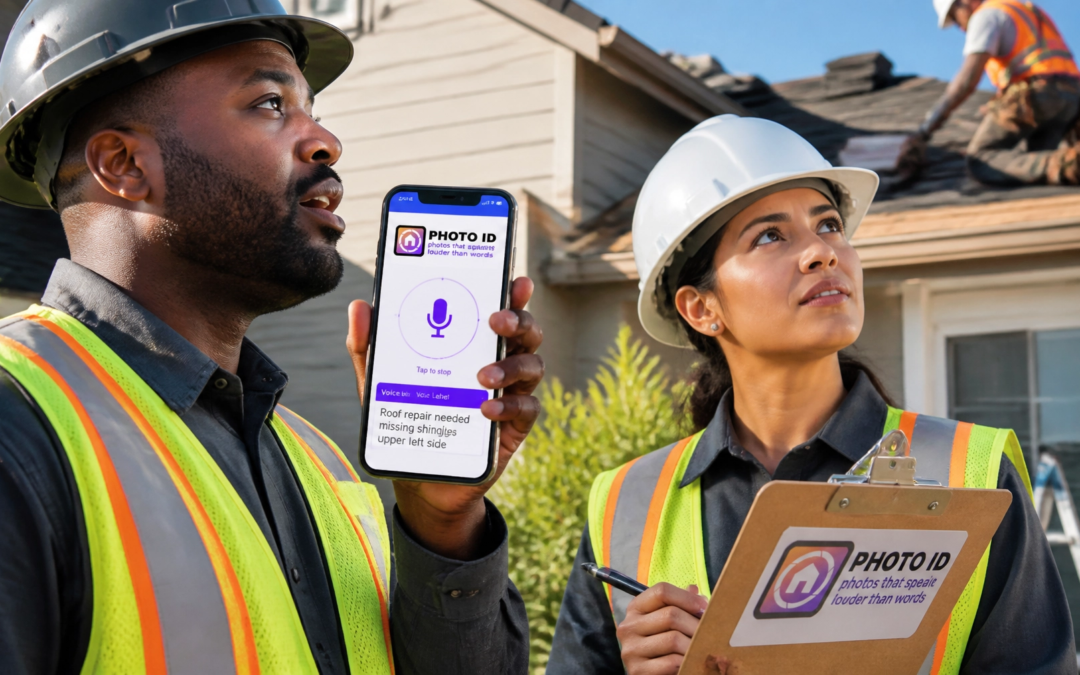
Let’s be honest: How many hours of your life have you wasted squinting at a smartphone screen in the middle of a windstorm, trying to type "Upper Left Slope Hail Damage" with frozen fingers?
If you’re a contractor, adjuster, or field tech, you know the drill. You take a photo, you stop, you type. You take another photo, you stop, you type. By the time you get back to your truck, you’re already an hour behind schedule, and you still have to organize those 100+ images into a coherent report.
What if you could stop typing and start talking?
At PHOTO iD by U Scope, we didn’t just build another camera app. We built a time-machine for your workflow. By using voice labeling, our users are consistently saving 30 to 60 minutes per job site. That isn't just "efficiency": that’s an extra two inspections a day. That’s more revenue, less stress, and getting home in time for dinner.
Ready to reclaim your day? Here is your 5-step guide to mastering the field service app that’s changing the game.
Step 1: Set the Foundation with Smart Templates
Before you even step out of your truck, you need a plan. Walking onto a site without a structured workflow is a recipe for missed photos and disorganized files.
PHOTO iD allows you to use customizable workflow templates. Whether you’re doing a roof inspection, a water mitigation claim, or a solar site audit, your app should already know what photos you need.
- Pro Tip: Select a template that pre-categorizes your photos (e.g., Exterior, Interior, Garage). This ensures that when you start talking, your photos are already landing in the right "bucket."
Step 2: The "Snap & Speak" Maneuver
This is where the magic happens. Traditional apps require you to take a photo, wait for it to save, and then open a keyboard to add a description.
With PHOTO iD’s voice labeling, you do both at once.

How to do it:
- Open the PHOTO iD camera.
- Press and hold the shutter button.
- Speak clearly while you capture the image (e.g., "Severe wind crease on third course of shingles").
- Release the button.
The app uses high-accuracy speech-to-text to instantly transcribe your words into a photo caption. You don’t have to look down. You don’t have to stop moving. You keep your "eyes up and hands busy," which isn't just faster: it’s significantly safer when you're on a 10/12 pitch roof.
Step 3: Let the App Organize Your Chaos
The biggest "hidden cost" in field service isn't the inspection itself; it’s the administrative nightmare that happens afterward. If you’re still dragging and dropping photos from your phone gallery into a folder at 9:00 PM, you’re losing money.
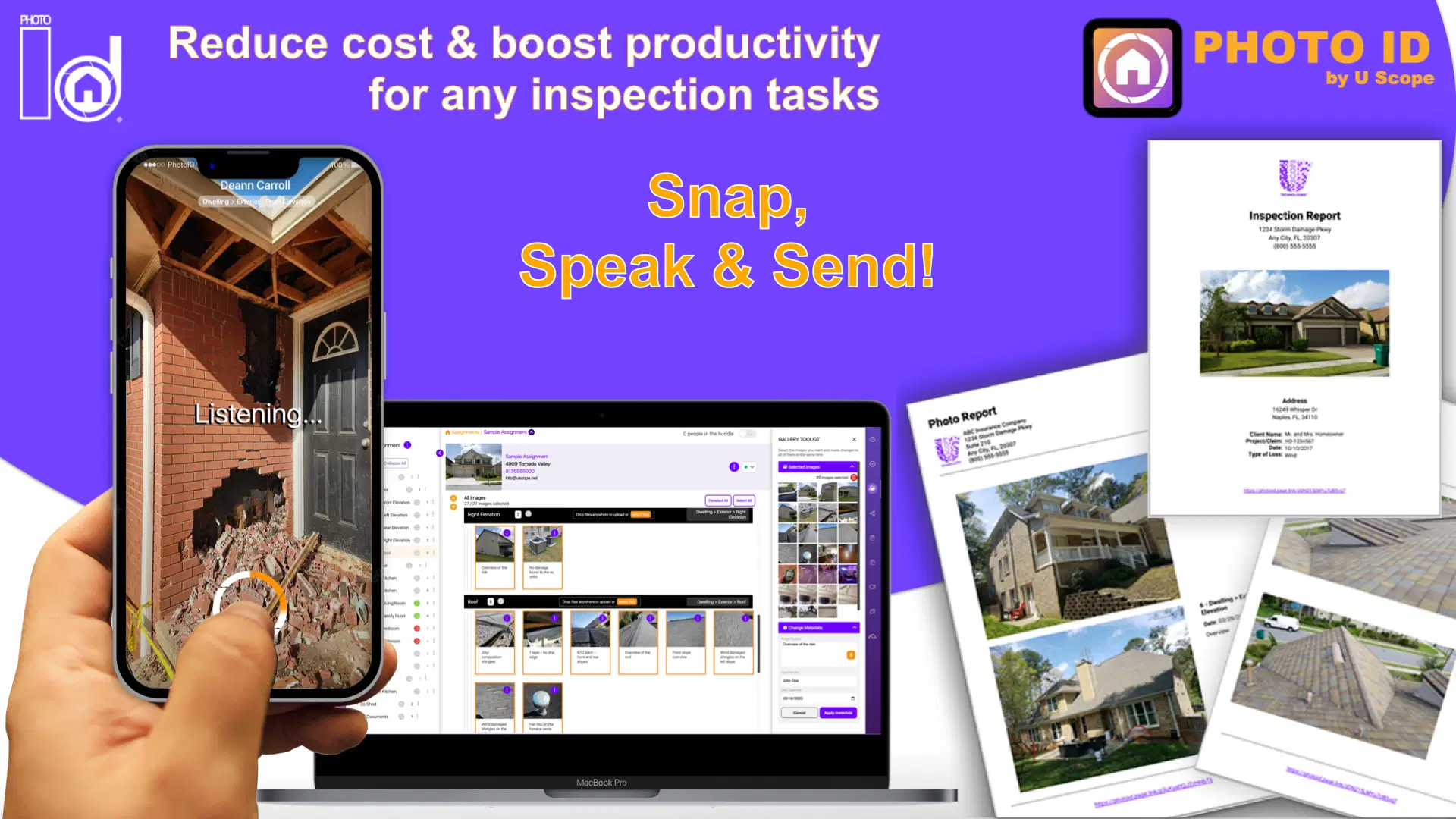
Because you used a template in Step 1 and spoke your labels in Step 2, your job site documentation is self-organizing.
- Instant Grouping: Photos are tagged by category automatically.
- Geotagging: Every image is stamped with location and time data, providing "bulletproof" evidence for insurance carriers.
- Real-Time Sync: While you’re walking back to your ladder, your photos are already syncing to the cloud. Your office admin can see the labeled photos before you’ve even put your truck in drive.
Step 4: Review and Refine (The Safety Net)
We get it: sometimes the wind is howling at 40 mph, or you have a thick accent. While our AI is incredibly accurate, professional documentation requires 100% precision.
Before you finalize the report, do a quick "Sanity Check." PHOTO iD’s web management hub makes this effortless. You can scroll through your labeled gallery on a tablet or laptop and make quick edits to any captions if needed.

Why this matters: A typo in a claim can lead to a rejection or a delay in payment. Taking 60 seconds to review your voice-labeled captions ensures your professionalism is never questioned.
Step 5: One-Tap Export and Sharing
You’ve done the work. Now it’s time to get paid.
The final hurdle in most workflows is the "Report Generation" phase. In the old days, this meant resizing images in Word or struggling with ancient software.
With PHOTO iD, you are one tap away from:
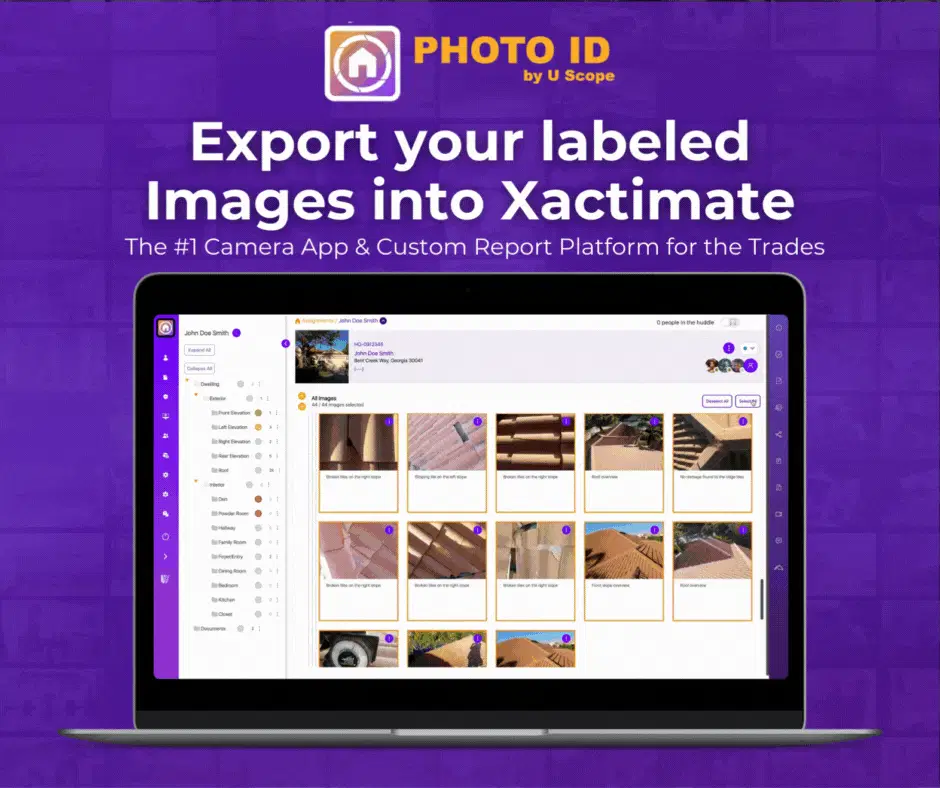
- Xactimate Export: Directly import your labeled images into Xactimate without manual renaming.
- Custom PDF Reports: Generate a branded, professional PDF with your logo, map data, and all labeled photos.
- Shareable Web Links: Send a secure link to adjusters or clients so they can view the gallery in real-time.
The Math of Professionalism: Why Voice Labeling is Mandatory
Let’s do some quick "Boots-on-the-Ground" math.
If you do 5 inspections a day and save 45 minutes per inspection using voice labeling:
- Daily Savings: 3.75 hours.
- Weekly Savings: 18.75 hours.
- Annual Impact: Over 900 hours reclaimed.
What could you do with an extra 900 hours? You could double your inspection volume. You could spend more time on high-value business development. Or, you could actually enjoy a weekend for once.
The manual way of documenting property is dying. The "Snap, Speak, Send" era is here. If you aren't using visual intelligence to power your workflow, you aren't just working harder: you're getting left behind by competitors who are faster, more accurate, and more professional.
Stop wasting time. Start winning more work.
Try PHOTO iD by U Scope for FREE today and see why over 100,000 pros have made the switch.