
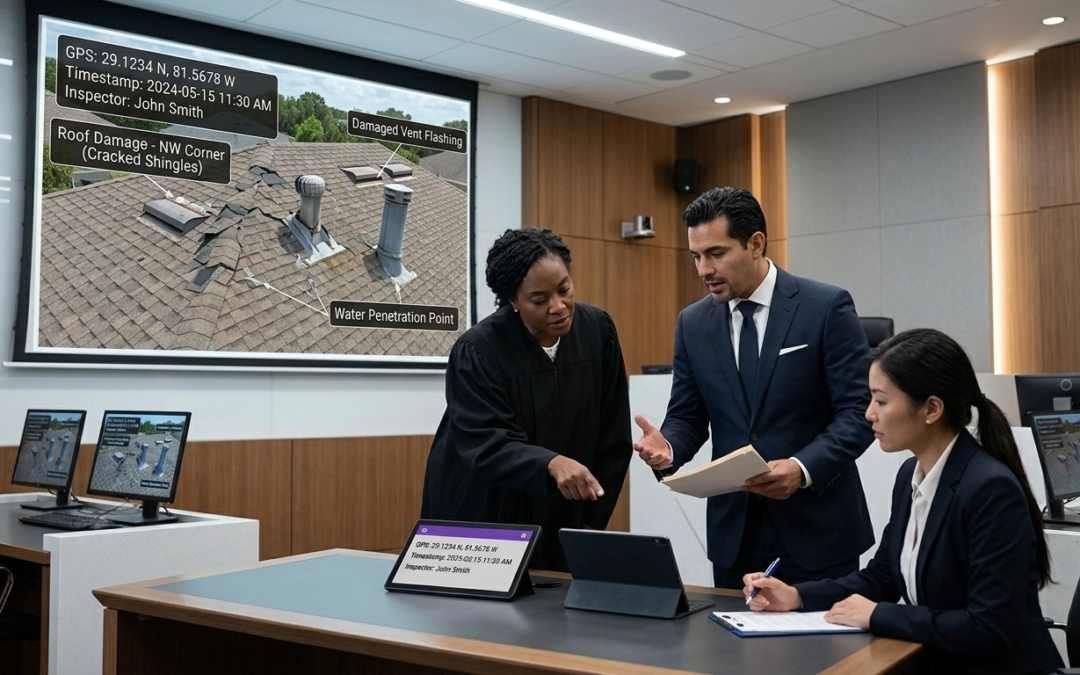
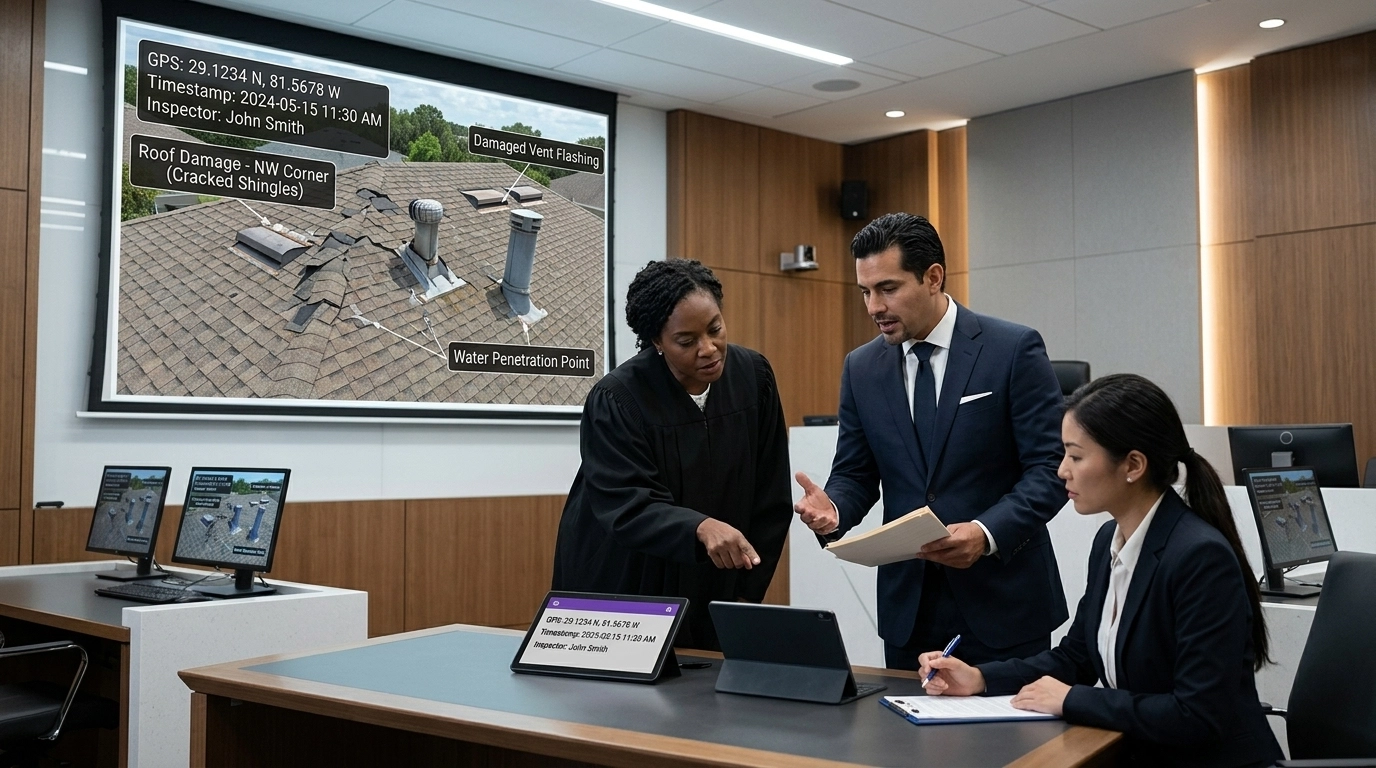
It’s the phone call every contractor, adjuster, and property manager dreads.
A lawsuit has been filed. A liability claim is on the table. And the only thing standing between your business and a six-figure settlement is a folder full of photos you took three years ago.
You open the folder. You see a blurry shot of a water heater. Another of a roof slope. You think, “I remember this job. We did everything right.”
But here is the hard truth: The court doesn’t care what you remember. It only cares what you can prove.
In a legal "stress test," most site documentation doesn’t just lean: it collapses. If your photos are sitting in a generic gallery without timestamps, GPS data, or standardized labels, they aren't evidence. They’re just pictures. And in a courtroom, "just pictures" get thrown out.
Are you prepared to bet your company’s reputation: and its bank account: on a "good enough" photo app? Or is it time to look at how AI photo management software for contractors is turning the tide for field professionals who refuse to lose?
The Admissibility Gap: Why Your Photos Are Failing
To understand why most documentation fails, you have to understand the admissibility gap. For a piece of digital evidence to be accepted in court, it must meet three core criteria: Relevance, Reliability, and Lawful Collection.
Most field teams nail "relevance": they take photos of the damage. But they fail miserably at "reliability."
Think about it: If you send a loose PDF of images with hand-typed captions, how does a judge know you didn't edit those photos? How do they know exactly when and where they were taken? If the metadata is stripped or easily manipulated, your defense is built on sand.
The "Burden of Proof" Shift
In many premises liability cases, the burden shifts to you to prove that you conducted a "reasonable inspection." If your documentation is inconsistent, incomplete, or disorganized, the law doesn't just see a mistake: it sees negligence.
Poor documentation is often worse than no documentation. Why? Because a missing record suggests you were lazy, while a messy, inconsistent record suggests you are unreliable.

The 4 Pillars of Court-Ready Documentation
If you want to survive the stress test, your site inspection software needs to be more than a camera: it needs to be a legal fortress. Here are the four pillars that turn a simple photo into an ironclad piece of evidence.
1. Metadata: The DNA of the Image
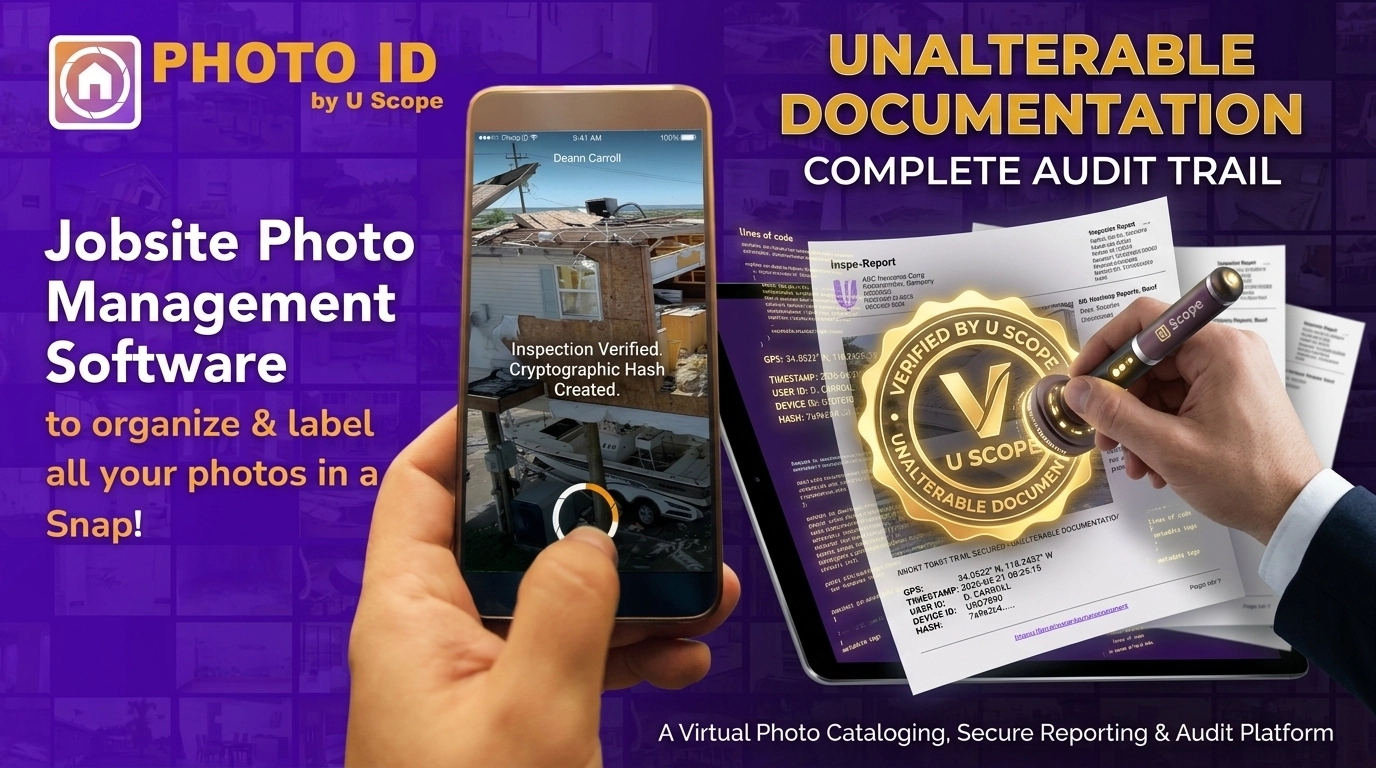
Metadata is the "who, what, where, and when" baked into the digital file. When you use a professional tool like PHOTO iD, every image is automatically tagged with:
- Exact GPS Coordinates: Proving you were actually on the property.
- Tamper-Proof Timestamps: Proving the inspection happened exactly when you said it did.
- Directional Data: Showing exactly which way the camera was pointing (essential for wind or hail damage claims).
Without this, you’re just a person with a camera. With it, you’re a professional with an audit trail.
2. Standardization Through Workflows
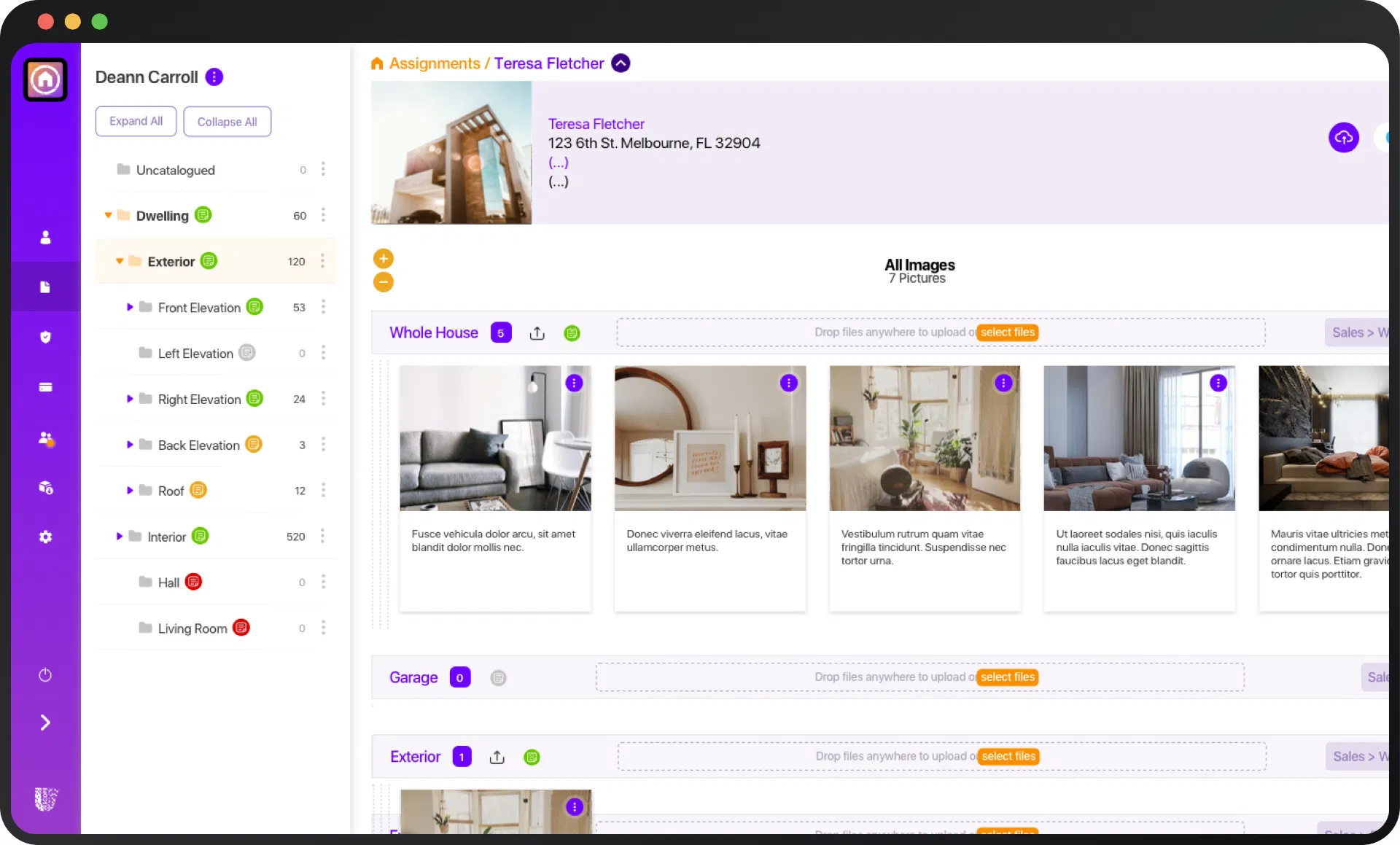
A courtroom loves a "process." If you can show that your company follows the exact same customizable workflow templates for every single job, you establish a "standard of care."
When your software forces an inspector to document the roof, the siding, the windows, and the interior in a specific order, it proves that the inspection was methodical, not accidental. It shows you didn't "miss" the leak: it shows you checked the area and documented its condition at that time.
3. Immediate, Hands-Free Labeling
Context is king. A photo of a crack in a foundation means nothing if the label says "Damage." Was it a settlement crack? Was it pre-existing? Was it caused by a recent storm?
Using best speech-to-text photo app features allows your team to narrate the truth the moment they see it. "Hairline fracture, northeast corner, no signs of recent moisture." This real-time documentation is significantly more credible in court than notes written in a truck two hours after the fact.
4. The Unalterable Audit Trail
If you edit a photo or delete a report in a standard cloud drive, there is often no record of that change. In a legal dispute, this looks like "bad faith."
Professional documentation platforms create a permanent log. If a photo is moved, labeled, or shared, there is a record. This level of transparency makes your evidence virtually impossible to challenge.
The High Cost of the "Old Way"
Let's talk about the math. Many contractors and adjusters stick to manual methods because they think they’re "saving money."
They aren't.
- The Time Drain: Spending 30-60 minutes per job manually organizing photos into a report.
- The Revenue Leak: Failing to document a specific damage point that could have added $2,000 to an estimate.
- The Legal Risk: A single lost lawsuit because of "insufficient evidence" can cost more than 10 years of software subscriptions.
When you use a CompanyCam alternative that is purpose-built for property technology, you aren't just buying an app: you’re buying insurance for your reputation. You are ensuring that every time your team clicks a shutter, they are building a defense that will stand up to the most aggressive cross-examination.
The Pitch Gauge: Small Tools, Huge Defensibility
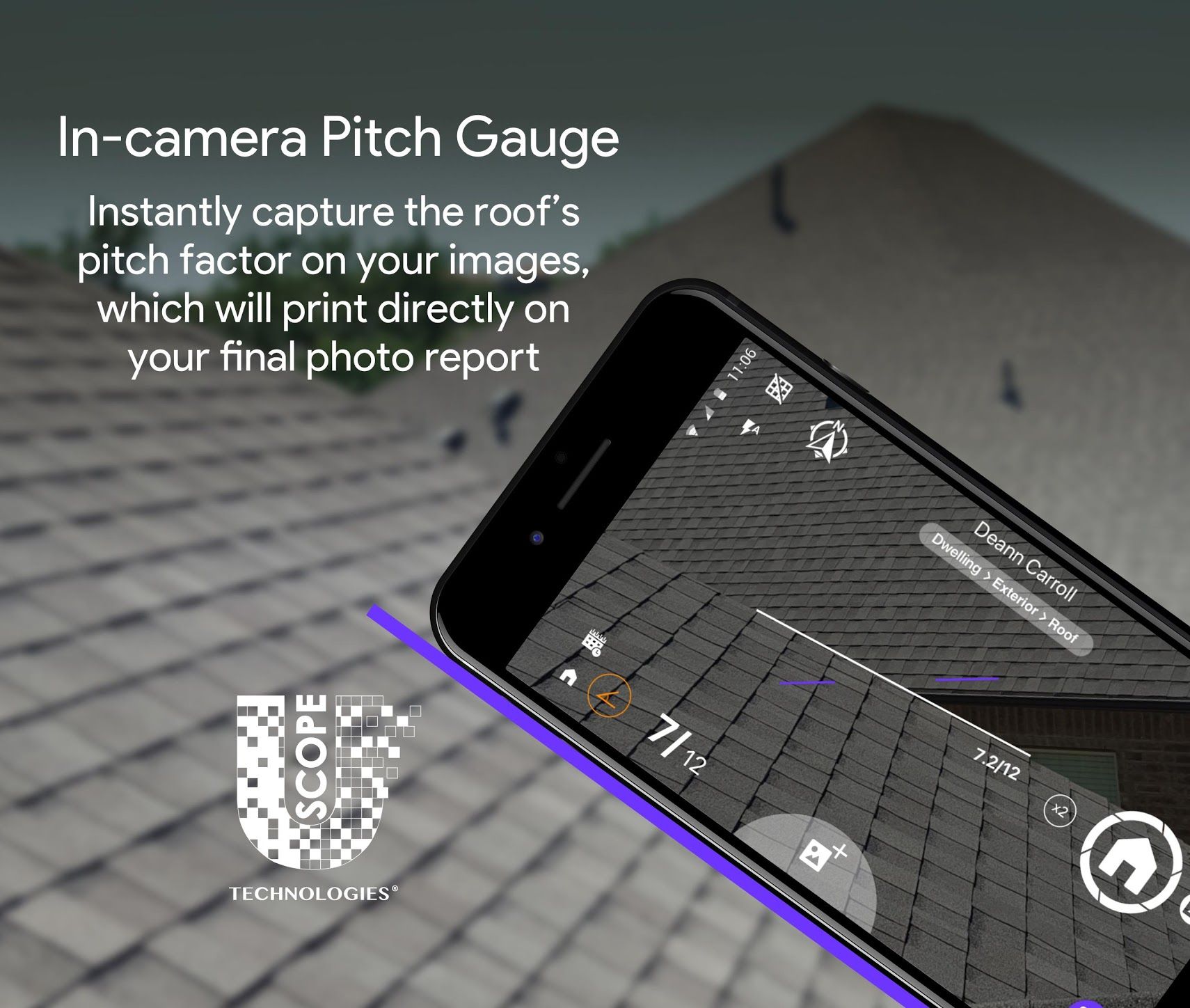
Sometimes, the smallest details provide the biggest legal wins. Take, for example, an in-camera pitch gauge.
If you are documenting roof damage, being able to overlay the exact pitch of the roof directly onto the photo in real-time is a massive advantage. It proves you were performing a technical, professional assessment. It elevates your status from "laborer" to "expert witness."
Step-by-Step: Building Your Defensible Workflow
Ready to upgrade your documentation? Stop doing things the "old-school" way and follow this modern blueprint:
- Select Your Template: Before you even get out of the truck, load the specific workflow for the job (e.g., Disaster Restoration vs. Solar Install).
- Voice-Label as You Go: Use hands-free voice labeling to describe every photo as you take it. Don't wait.
- Capture the Metadata: Ensure your GPS and timestamps are active. (Hint: PHOTO iD does this automatically).
- Generate the Report Instantly: Don't let the data sit on a phone. Generate a professional PDF report before you leave the site.
- Secure the Cloud: Sync everything to a secure, cloud-based hub where it’s protected by enterprise-level security.
Stop Wasting Time. Start Winning More Work.
The industry is changing. The days of "handshake deals" and "trust me" documentation are over. Whether you’re a solo adjuster or a massive compliance team, the quality of your documentation is the quality of your business.
Does your current system save you time, or does it leave you vulnerable? Can you afford to spend two hours every night organizing photos while your competitors are already onto their next lead?
Your documentation is your best defense. Make sure it's bulletproof.
Stop leaving your legal defensibility to chance. Join the 100K+ users who have captured over 20M+ images with the industry’s most trusted field documentation platform.
Get Your Free Demo of PHOTO iD Today and see how we save our users 30-60 minutes per task while building documentation that survives any stress test.