
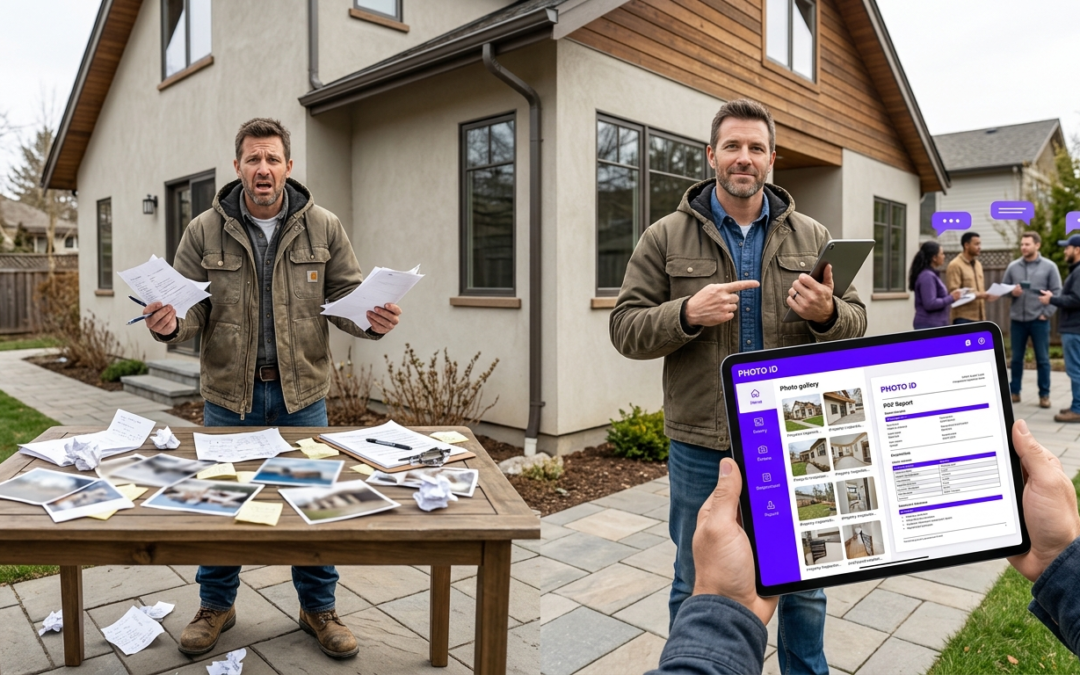
jobsite team chat
Stop Losing Hours to Communication Chaos: Why Field Teams Need Better Coordination
Field teams waste 2.5 hours daily on communication failures. Professional coordination platforms eliminate delays, cut errors, and centralize project updates through real-time messaging connected to visual documentation.
The Communication Breakdown on Today’s Jobsite
Phone calls go unanswered during inspections. Text messages disappear in personal conversations. Critical updates about material changes, safety hazards, or scope modifications reach the wrong people hours too late.
This creates a costly domino effect: delayed decisions, repeated work, missed deadlines, frustrated clients. When your crew discovers a problem at 3 PM but the project manager doesn’t see it until morning, you’re bleeding money.
Why Standard Texting Fails Field Operations
Regular texting lacks context. A message saying “problem with the roof” tells you nothing about location, severity, or required action. Photos lose quality and organization. Group messages become unmanageable noise.
Email’s too slow for urgent field decisions. Phone calls interrupt workflow and create no documentation trail. Walkie-talkies work for immediate needs but provide zero record of important conversations or decisions.
Professional Field Communication: Your Centralized Command Center
Purpose-built platforms solve these problems by connecting conversations directly to project context. Messages link to specific locations, photos, and tasks. Team members get relevant updates without information overload.
Field-Tested Reality
Construction teams using dedicated coordination platforms report 40% fewer project delays and a 60% reduction in miscommunication-related errors compared to traditional phone and text methods.
The difference? Context. When your electrician reports a wiring issue, the message includes the exact room location, relevant photos, and direct connection to project specs. No guesswork. No delays.
How Professional Coordination Transforms Your Workflow
Cut Delays: Real-Time Updates and Rapid Problem Solving
When your inspector discovers foundation issues at 2 PM, professional coordination delivers that information to decision-makers within minutes, not hours. Project managers can authorize material changes, adjust schedules, and coordinate subcontractors without waiting for callbacks.
Real-time communication means faster resolution cycles. Problems that previously required next-day meetings now get solved during the same shift. Teams report average response times dropping from 4-6 hours to under 30 minutes for critical issues.
Reduce Errors and Rework: Clarity Through Visual Context
Miscommunication costs construction projects 15% of total budget through rework and delays. Professional platforms reduce ambiguity by linking messages directly to photos, blueprints, and location data. When your crew asks about pipe placement, they attach the exact photo showing the installation question.
Visual context prevents costly assumptions. Instead of describing “the wall near the kitchen,” teams share tagged images showing precise locations. This specificity cuts interpretation errors and ensures everyone works from identical information.
Build Accountability: A Log of Every Important Decision
Every conversation creates an automatic audit trail. When clients question change orders or inspectors need documentation history, you’ve got timestamped records of who authorized which decisions and when.
Digital Communication Trail Benefits
Pros
- Timestamped decision records for dispute resolution
- Clear authorization trails for change orders
- Searchable conversation history by project or topic
- Reduced liability through documented approvals
Cons
- Requires consistent team adoption for complete records
- Initial setup time for project organization
Simplify Reporting: Connected Communication and Documentation
Traditional reporting requires gathering information from multiple sources: phone call notes, text screenshots, email attachments, scattered photos. Professional platforms centralize this information, automatically organizing conversations by project phase, location, or team member.
End-of-day reports become simple data exports instead of manual compilation tasks. You can generate client updates, progress summaries, and issue logs directly from organized communication threads.
Must-Have Features for Field-Ready Communication: What to Look For
Mobile-First Design: Built for the Field, Not the Office
Your team needs communication tools that work with gloves on, in bright sunlight, and during active construction. Look for platforms designed specifically for mobile use with large touch targets, high-contrast displays, and voice-to-text capabilities that function in noisy environments.
Battery optimization matters when crews work 10-hour shifts. Choose solutions that minimize power drain while maintaining constant connectivity. Offline message queuing ensures critical updates get delivered even when cellular coverage drops temporarily.
Contextual Conversations: Linking Messages to Photos and Projects
Generic messaging apps treat every conversation equally. Professional platforms organize discussions by project, location, and trade. When your plumber reports a leak, that message automatically connects to the correct building zone, relevant blueprints, and previous maintenance records.
Photo integration should be instant and automatic. Teams need to capture, label, and share visual updates without switching between multiple applications or losing conversation context.
Search and Organization: Finding Information Fast
Six months into a project, finding a specific conversation about electrical modifications becomes time-sensitive. Effective search functionality filters by date, participant, project phase, or keyword. Messages should organize chronologically while maintaining topic threads.
| Feature | Basic Messaging | Professional Field Communication |
|---|---|---|
| Message Organization | Chronological only | Project-based threading |
| Photo Integration | Basic attachment | Contextual labeling with GPS |
| Search Capability | Text keywords only | Multi-filter search by date, project, participant |
| Offline Access | Limited or none | Message queuing and sync |
Integration Capabilities: Connecting Your Tools Without Friction
Your communication platform should connect with existing project management software, scheduling systems, and documentation tools. Look for direct integrations with industry standards like Salesforce, JobNimbus, or Jobber to avoid duplicate data entry.
API connectivity allows custom workflows that match your specific operational needs. When inspection reports generate automatically from organized conversations, you save hours of administrative work each week.
PHOTO iD: Creating the Foundation for Better Field Communication
How PHOTO iD Supports Your Field Communication Strategy
While PHOTO iD isn’t a messaging platform, it creates the visual foundation that makes field communication more effective. Instead of capturing generic images, teams create labeled, GPS-tagged visual records that support immediate sharing and discussion.
Real-time labeling means your damage assessments, progress updates, and completion documentation integrate with team discussions through any communication platform. When inspectors need clarification about specific conditions, they reference exact photo labels rather than describing locations verbally.
Connecting Communication to Evidence: Better Claims and Inspections
Insurance claims and inspection reports require clear visual evidence tied to specific locations and conditions. PHOTO iD creates this documentation structure automatically while supporting team coordination around findings and required actions.
Documentation That Supports Communication
Teams using PHOTO iD report 50% faster claim approvals because visual evidence includes precise labeling and GPS coordinates that reduce adjuster questions and clarification requests.
When your restoration team discovers additional damage, PHOTO iD captures the evidence with automatic labeling while enabling immediate notification to project stakeholders through your preferred communication channels. This connection between documentation and coordination accelerates decision-making and approval processes.
Ready to create better visual documentation that supports field communication? Download PHOTO iD from the App Store or Google Play and see how professional teams coordinate more effectively through organized visual context and structured documentation workflows.
Frequently Asked Questions
Why is standard texting not good enough for jobsite communication?
Standard texting fails field operations because it lacks context. A message like “problem with the roof” doesn’t give you location, severity, or required action. Photos sent through text lose quality, and group messages quickly become unmanageable noise, burying critical updates.
How does jobsite team chat help reduce project delays?
Jobsite team chat eliminates delays by providing real-time updates. When an inspector finds an issue, that information reaches decision-makers in minutes, not hours. This allows project managers to authorize changes and coordinate subcontractors rapidly, solving problems during the same shift.
Can jobsite team chat prevent costly errors and rework?
Yes, jobsite team chat significantly reduces errors and rework by adding clarity. Messages link directly to photos, blueprints, and location data, preventing costly assumptions. This visual context ensures everyone works from precise information, cutting down on interpretation errors.
What makes jobsite team chat better than phone calls or walkie-talkies for field teams?
Phone calls interrupt workflow and create no documentation trail, while walkie-talkies provide zero record of important conversations. Jobsite team chat offers immediate communication while automatically documenting every important decision. This creates a clear, searchable history for the entire project.
How does jobsite team chat improve accountability on a project?
Jobsite team chat boosts accountability by creating an automatic audit trail for every conversation. You get timestamped records of who authorized which decisions and when they occurred. This documentation protects against disputes and provides clear project progression records.
What features should I look for in a jobsite team chat platform?
Look for a mobile-first design with large touch targets, high-contrast displays, and voice-to-text for noisy environments. Battery optimization and offline message queuing are also critical for field use. Contextual conversations that link chat directly to photos, locations, and tasks are essential, like those in PHOTO iD.
How does jobsite team chat simplify reporting for project managers?
Jobsite team chat centralizes all project communication and information, organizing conversations by project phase, location, or team member. This means end-of-day reports become simple data exports instead of manual compilation tasks. Project managers can generate client updates and progress summaries directly from organized communication threads, saving significant administrative time.