
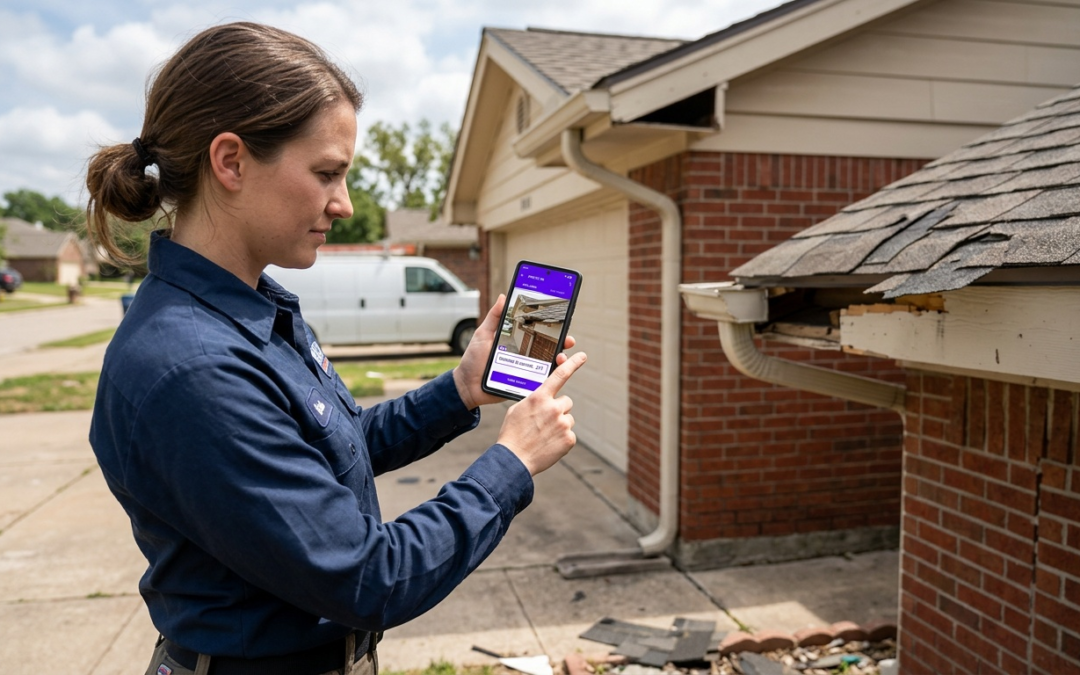
iOS photo app vs Android equivalent for contractors
The Contractor’s Photo Dilemma: Why Native Apps Fall Short
When comparing the iOS photo app vs Android equivalent for contractors, the honest answer is simple: neither native solution was built for field documentation. The iOS Photos app and Android Gallery are consumer tools. They store memories. You need to document evidence.
iOS Photos App: Strengths and Limitations for Jobsites
iOS delivers consistent image quality and reliable iCloud sync. On a jobsite, that’s where the usefulness ends. There’s no project-based folder structure, no field labeling, no GPS tagging tied to inspection zones, and no report export. Every photo requires manual sorting after the fact.
Android Gallery App: Strengths and Limitations for Jobsites
Android Gallery offers similar camera quality with more device variety across price points. The documentation gap is identical: no structured labeling, no workflow templates, and no integration with claim platforms. You end up with hundreds of unnamed files and a sorting problem.
The Core Problem: Generic vs. Professional Documentation Needs
Field Reality: Insurance adjusters and project managers don’t review raw photo libraries. They review structured, labeled, timestamped documentation. Submitting an unorganized camera roll delays approvals and invites disputes.
The iOS photo app vs Android equivalent debate misses the point entirely. The real question is whether your documentation tool captures context, not just images. Generic apps capture neither location metadata tied to specific damage zones nor real-time labels nor export-ready reports. That gap costs time and money on every job.
Beyond Snapshots: Essential Features for Contractor Photo Documentation
Professional field documentation requires tools built around inspection workflows. When evaluating any photo app for contractors, measure against these nonnegotiable capabilities:
- Project-based organization: Photos sorted automatically by job, location, and inspection type–not by date taken.
- Real-time labeling: Labels applied at capture, not during a two-hour office session afterward.
- GPS tagging: Location data embedded at the image level for every shot.
- Customizable workflows: Templates that match your inspection type, whether property preservation, insurance claims, or restoration.
- Built-in field tools: Pitch gauges, compasses, and measurement aids that eliminate the need for separate apps.
- Direct report export: PDF output or integrations with Guidewire (ClaimCenter), Salesforce, Jobber, and JobNimbus without manual reformatting.
Why Labeling at Capture Matters
Documentation labeled in the field is accurate. Documentation labeled from memory two days later introduces errors that slow claim approvals and create liability exposure.
PHOTO iD: The Unified Solution for iOS and Android Contractors
PHOTO iD by U Scope renders the iOS vs Android platform debate irrelevant. It runs on both platforms with the same core workflow, so crews document consistently regardless of device.
Bridging the OS Gap: One Platform for All Your Devices
Mixed-device crews are the norm on most jobs. PHOTO iD delivers structured workflows, in-camera labeling, and export options on both iOS and Android. Teams follow the same process in the field even when devices differ–no version gaps, no missing features.
Accelerating Your Workflow: From Capture to Report in Minutes
Real-time labeling means your report framework builds as you shoot. GPS tagging, custom field templates, and automatic project organization cut post-job sorting down to almost nothing. Labeled images export to PDF or move directly into connected platforms to support faster submission.
Industry-Specific Power: Built for Property Preservation, Insurance Claims, and Restoration
PHOTO iD workflows match how insurers and reviewers check claims: sequential documentation, labeled damage areas, and timestamped progression photos. Pre-cataloged and labeled images are compatible with Xactimate, letting teams move structured photo packages into estimating workflows without manual file renaming.
Comparing PHOTO iD to Generic and Specialized Alternatives
Once you compare purpose-built tools against native photo libraries and common jobsite apps, the platform question disappears. The table below shows where the gaps actually are.
| Feature | iOS Photos / Android Gallery | CompanyCam / Raken | PHOTO iD |
|---|---|---|---|
| Real-time field labeling | ✗ | Partial | ✓ |
| GPS tagging per image | Basic | ✓ | ✓ |
| Insurance claim workflows | ✗ | ✗ | ✓ |
| Xactimate-compatible export | ✗ | ✗ | ✓ |
| CRM/platform integrations | ✗ | Limited | Guidewire, Salesforce, Jobber, JobNimbus, Zapier |
| Built-in pitch gauge | ✗ | ✗ | ✓ |
| iOS and Android parity | Separate ecosystems | Partial | Full parity |
PHOTO iD vs. Other Jobsite Photo Tools
CompanyCam focuses on general photo capture for construction teams. Raken centers on daily reporting and crew logs. Procore targets large-scale project management. None of them are structured around insurance claim workflows, sequential damage documentation, or Xactimate-compatible output. For property preservation, restoration, and claims work, that’s a meaningful gap.
The Xactimate Compatibility Advantage
PHOTO iD is compatible with Xactimate. Pre-cataloged, labeled images can be imported directly into Xactimate estimating workflows without manual file renaming or reformatting. That capability separates PHOTO iD from generic or construction-focused options when insurance claims are on the line.
The Right Tool Wins Every Time
Platform choice matters less than whether your documentation tool was built for field professionals. Labeled, GPS-tagged images help close claims. Unnamed camera roll files create disputes. That’s the whole argument.
PHOTO iD delivers feature parity across iOS and Android, insurance-focused workflows, Xactimate-compatible export, and integrations with Guidewire (ClaimCenter), Salesforce, Jobber, JobNimbus, and Zapier. No other single field documentation tool checks all those boxes for property preservation and claims work.
If your crew runs mixed devices, submits insurance claims, or works in restoration, PHOTO iD is the practical choice. Stop sorting camera rolls after every job. Capture, label, and submit from the field.
Frequently Asked Questions
What is the best construction photo app?
For contractors, especially those in property preservation, insurance claims, or restoration, the ‘best’ app isn’t a generic construction photo app. It’s one built for structured documentation, like PHOTO iD. Native phone apps fall short because they lack project organization, real-time labeling, and direct report export needed for field documentation. PHOTO iD provides these specialized features, including Xactimate ESX export, which general construction apps often miss.
Is Android or iOS better for business?
For contractors, the operating system, whether Android or iOS, matters less than the documentation tool itself. Native photo apps on either platform aren’t designed for professional field work. A specialized app like PHOTO iD bridges this gap, offering consistent workflows and features across both Android and iOS devices. This allows teams to use their preferred device while maintaining unified documentation standards.
What are the best apps for contractors?
The best apps for contractors depend on their specific needs. For field documentation in property preservation, insurance claims, or restoration, a specialized tool like PHOTO iD is essential. It provides features like project-based organization, real-time labeling, GPS tagging, and direct report export. Generic photo apps or even general construction apps often lack these critical capabilities for claim approvals and efficient workflows.
Why aren't native phone photo apps good enough for contractors?
Native phone photo apps, like the iOS Photos app or Android Gallery, are consumer tools, not professional documentation tools. They lack project-based organization, real-time labeling, GPS tagging tied to inspection zones, and direct report export. This means contractors spend valuable time manually sorting and labeling photos after the fact, delaying approvals and inviting disputes.
What features should a contractor's photo app have?
A contractor’s photo app needs project-based organization, real-time labeling at capture, and GPS tagging for every image. Essential features also include customizable workflows, built-in field tools like a pitch gauge, and direct report export. These capabilities ensure documentation is structured, accurate, and ready for submission without extensive post-job processing.
How does PHOTO iD help contractors with documentation?
PHOTO iD provides a unified solution for contractors on both iOS and Android, eliminating the OS debate. It offers structured workflows, in-camera labeling, GPS tagging, and direct report export, including Xactimate ESX. This accelerates workflows by building your report framework as you shoot, ensuring documentation is accurate and ready for submission in minutes.
Can PHOTO iD integrate with other contractor software?
Yes, PHOTO iD is designed for seamless integration with various contractor software and platforms. It supports integrations with systems like Guidewire, Salesforce, Jobber, JobNimbus, and Zapier. This allows contractors to move labeled images and reports directly into their existing estimating and project management workflows, reducing manual data entry and improving efficiency.